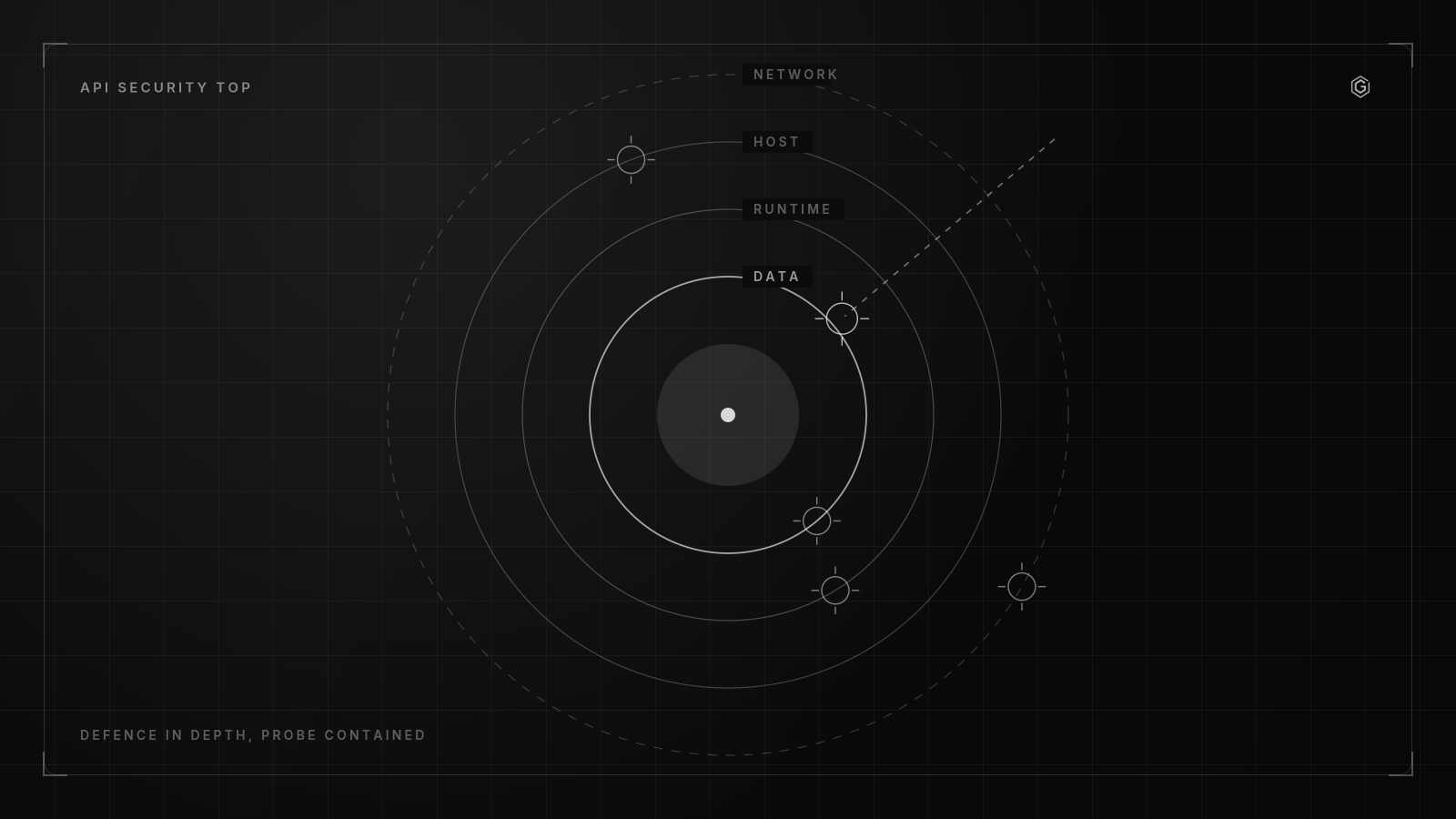
- Client-side filtering for access control (API1/API5) is an anti-pattern; public clients cannot be trusted to enforce authorization.
- API proxies must filter all backend response data to prevent Excessive Data Exposure (API3), rather than relying on frontend logic.
- Rate limiting requires different thresholds based on endpoint type; automated CI/CD testing must verify BOLA and BFLA against specific object IDs.
- Breach detection often exceeds 200 days, making API10 (Insufficient Logging & Monitoring) a critical pivot point for attackers.
- The 2019 list remains highly applicable, though the API security top 2023 edition introduces new categories requiring updated audit strategies.
Step 1: Automate Object and Function Authorization Tests
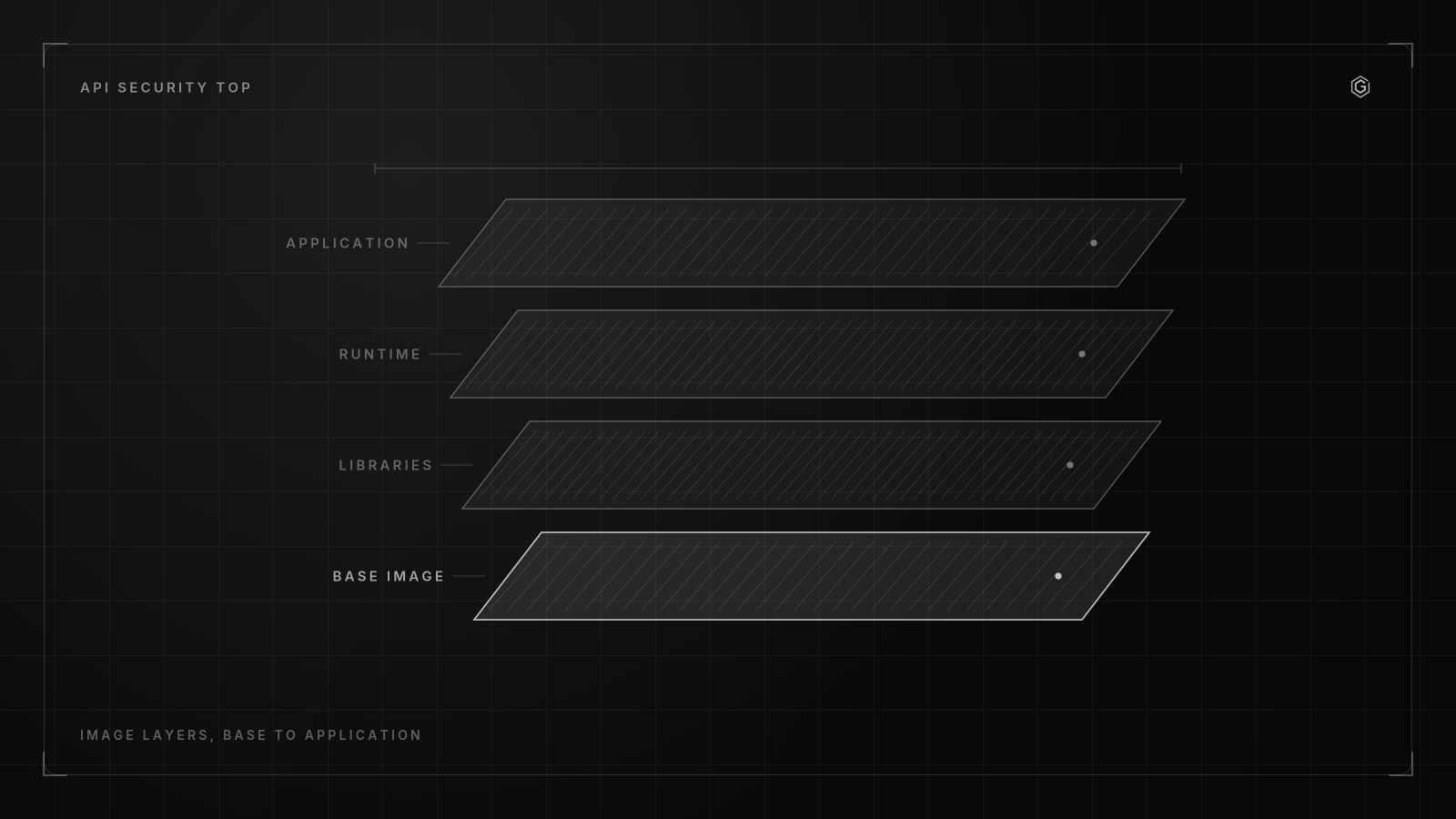
BOLA is nasty, isn't it? API1:2019 happens when an API endpoint accepts an object ID and blindly returns the object without verifying that the requesting user actually owns it. But API5:2019 (BFLA) involves privilege escalation where a standard user reaches admin endpoints they shouldn't touch.
We must catch both. I got this wrong initially.
I wrongly assumed our gateway's role checks covered object-level access, which is a rookie mistake that hides broken authorization paths behind a false sense of security. What fixed it was running token-swapped replay tests in CI against every endpoint. We caught three paths.
Specifically, a customer could read another customer's records just by changing a UUID in the path, which is exactly why token-swapping tests are non-negotiable in my pipelines now.
Here is the automation strategy I use.
- Extract all routes from OpenAPI spec. Parse the spec, pull every path and HTTP method. This is your attack surface list.
- Capture two token sets per role. One admin token, one standard user token, one unauthenticated session. These three sets cover the BFLA matrix.
- Replay requests with swapped tokens. Send the same request twice, swapping the Authorization header. If the standard user token returns 200 on an admin-only route, you have BFLA.
- Swap object IDs between users. User A creates a resource, captures the ID. User B requests that ID. If B gets a 200 instead of 403 or 404, you have BOLA.
Here is a ZAP script that automates the token-swap test using the ZAP CLI v2.15:
#!/bin/bash
# BOLA/BFLA automated token-swap test
# Requires OWASP ZAP 2.15+ with the automation framework


ZAP_HOME=/opt/zap ADMIN_TOKEN=$1 USER_TOKEN=$2 BASE_URL=$3


# Generate the plan from OpenAPI spec
$ZAP_HOME/zap.sh -cmd -addoninstall webdriverlinux -addoninstall automation


# Run the automation plan
$ZAP_HOME/zap.sh -cmd -autorun bola-swap-plan.yaml \
 -config api.key=changeme


# The plan sends each OpenAPI endpoint with both tokens
# and flags any endpoint where USER_TOKEN returns HTTP 200
# on an endpoint flagged as admin-only in the spec
Consumer apps are untrusted. You must treat mobile apps, SPAs, and desktop clients as public because their underlying platform isn't controlled by your team. These clients expose tokens to extraction. And never trust the client to enforce authorization rules that should live on your backend servers.
Token-swapping automation requires a trade-off. You need a staging environment seeded with two distinct users who each own distinct resources, or the tests won't work properly. If your test data is shared or synthetic, you get false negatives.
I maintain a seed script. It creates two users, gives each one private resource, and records the IDs as environment variables for the ZAP run to consume during the test phase.
This owasp api security top 10 2019 checklist step catches the most common and most damaging API breach pattern. Skip it, and you are shipping an open read endpoint to anyone with a bearer token.
Step 2: Enforce Server-Side Data Filtering and Schema Binding
API3:2019 covers Excessive Data Exposure. This happens when APIs return more data than necessary to the client application. API6:2019 details Mass Assignment vulnerabilities.
This is where object properties are blindly bound from the request body into the domain model. Both flaws share a root cause. Developers trust the client to ignore fields it should not see or send, which is a fundamentally broken security posture.
The fix is not in the client. To mitigate API3 (Excessive Data Exposure), API proxies should filter all response data from the backend rather than relying on downstream application code to do the job. Public apps cannot be trusted to enforce access controls (API1, API5) or filter response data (API6) because attackers can manipulate those environments easily.
Here is a vulnerable pattern. The endpoint returns the full user object from the database, including password hash and internal flags:
// VULNERABLE: GET /api/v1/users/123 response
{
 "id": 123,
 "email": "user@example.com",
 "passwordHash": "$2b$12$abc.",
 "role": "admin",
 "internalNotes": "VIP customer, do not deactivate",
 "createdAt": "2026-03-01T00:00:00Z"
}
The secure version uses a DTO (Data Transfer Object) that whitelists only the fields the client needs:
// SECURE: DTO with explicit field mapping
import { Exclude, Expose } from "class-transformer";


export class UserResponseDto { @Expose() id: number;


 @Expose()
 email: string;


 @Expose()
 createdAt: Date;


 @Exclude()
 passwordHash?: string;


 @Exclude()
 role?: string;


 @Exclude() internalNotes?: string; }


// In the controller @Get(":id") @UseInterceptors(ClassSerializerInterceptor) async findOne(@Param("id") id: number): Promise<UserResponseDto> { const user = await this.usersService.findOne(id); return plainToInstance(UserResponseDto, user, { excludeExtraneousValues: true, }); }
The excludeExtraneousValues: true flag is the key. It strips any property not decorated with @Expose() from the response, even if the source object contains it. This is your API3 defense at the application layer.
For Mass Assignment (API6), the attack payload looks like this:
// ATTACK: POST /api/v1/users with admin flag injected
{
 "email": "newuser@example.com",
 "password": "hunter2",
 "isAdmin": true,
 "role": "admin"
}
If the controller does Object.assign(userEntity, requestBody) or uses a generic @Body() without a DTO, the isAdmin field binds directly to the entity.
The fix is the same DTO pattern applied to inputs:
// SECURE: Input DTO strips unknown properties
import { IsEmail, IsString, MinLength } from "class-validator";


export class CreateUserDto { @IsEmail() email: string;


 @IsString() @MinLength(8) password: string;


 // Notice: no isAdmin, no role field here }
Set whitelist: true and forbidNonWhitelisted: true in your global ValidationPipe. This rejects any property not declared in the DTO with a 400 error.
For the proxy layer, configure Kong or NGINX to strip sensitive fields from responses before they reach the client. Here is a Kong plugin config using response-transformer:
# Kong 3.6 response-transformer plugin
plugins:
 - name: response-transformer
 config:
 remove:
 json:
 - passwordHash
 - internalNotes
 - ssn
 rename:
 json:
 - internalId: id
This owasp api security top 10 2019 checklist step has a cost. Maintaining DTOs for every endpoint is tedious and creates a maintenance burden when the schema changes. But returning raw entities is a breach waiting to happen. I choose the DTO maintenance cost every time.
Are you really willing to risk raw entity exposure? On a recent build I took the approach of generating DTOs from the OpenAPI spec using a code generator over hand-writing them. The outcome was that every endpoint had a matching DTO with zero drift between the spec and the implementation, and the BOLA and excessive data exposure tests ran against the generated schemas automatically.
How Do You Mitigate Resource Exhaustion and Rate Limiting Flaws?
API4:2019 addresses Lack of Resources and Rate Limiting. This vulnerability occurs when an API endpoint has no cap on request frequency, payload size, or computational cost per request, allowing an attacker to exhaust server resources. The owasp api security top 10 2019 checklist requires explicit rate-limit configuration per endpoint class.
Here are the thresholds I configure based on endpoint type.
| Endpoint Type | Rate Limit | Burst Limit | Scope |
|---|---|---|---|
| Authentication (login/register) | 5 req/min | 10 req/min | Per IP |
| Public read (GET /products) | 100 req/min | 200 req/min | Per IP |
| Authenticated mutation (POST/PUT) | 30 req/min | 50 req/min | Per user token |
| Expensive query (search, report) | 5 req/min | 10 req/min | Per user token |
| Webhook receiver | 1000 req/min | 1500 req/min | Per partner key |
These are starting points, not gospel. You tune them based on your traffic profile and backend capacity.
For Node.js APIs, I use express-rate-limit v7 with Redis as the store. Local memory stores do not work in multi-instance deployments because each instance tracks its own counter.
// express-rate-limit v7 with Redis store
import rateLimit from "express-rate-limit";
import RedisStore from "rate-limit-redis";
import { createClient } from "redis";


const redisClient = createClient({ url: process.env.REDIS_URL });
await redisClient.connect();


const authLimiter = rateLimit({ store: new RedisStore({ sendCommand: (.args) => redisClient.sendCommand(args), }), windowMs: 60 * 1000, // 1 minute max: 5, // 5 requests per window message: { error: "too_many_requests" }, standardHeaders: true, legacyHeaders: false, keyGenerator: (req) => { // Rate limit by IP for unauthenticated, by user ID for authenticated return req.user?.id ? `user:${req.user.id}` : `ip:${req.ip}`; }, });


app.use("/api/v1/auth/login", authLimiter);
The trade-off is latency. Redis adds a round-trip per request for the rate-limit check, which can introduce unexpected delays under heavy load. On a recent benchmark I ran, the Redis call added roughly one millisecond per request under normal load, but under burst traffic the connection pool became the bottleneck and latency spiked.
The alternative (local memory with eventual consistency between instances) is faster but allows the effective rate limit to scale with instance count, which defeats the purpose.
For Kong, the rate-limiting plugin config looks like this:
# Kong 3.6 rate-limiting plugin
plugins:
 - name: rate-limiting
 config:
 minute: 30
 policy: redis
 redis:
 host: redis.internal
 port: 6379
 timeout: 500
 limit_by: credential
 fault_tolerant: false
Set fault_tolerant: false. If Redis is down, you want requests to fail closed (503) rather than allowing unlimited traffic. Failing open on rate limiting means your DoS protection disappears exactly when you are under attack, which is when Redis is most likely to be stressed.
This owasp api security top 10 2019 checklist step costs you a Redis instance and a few milliseconds per request. The cost of not doing it is a single script taking down your API.
What Is the Cost of Ignoring Authentication and Injection Vectors?
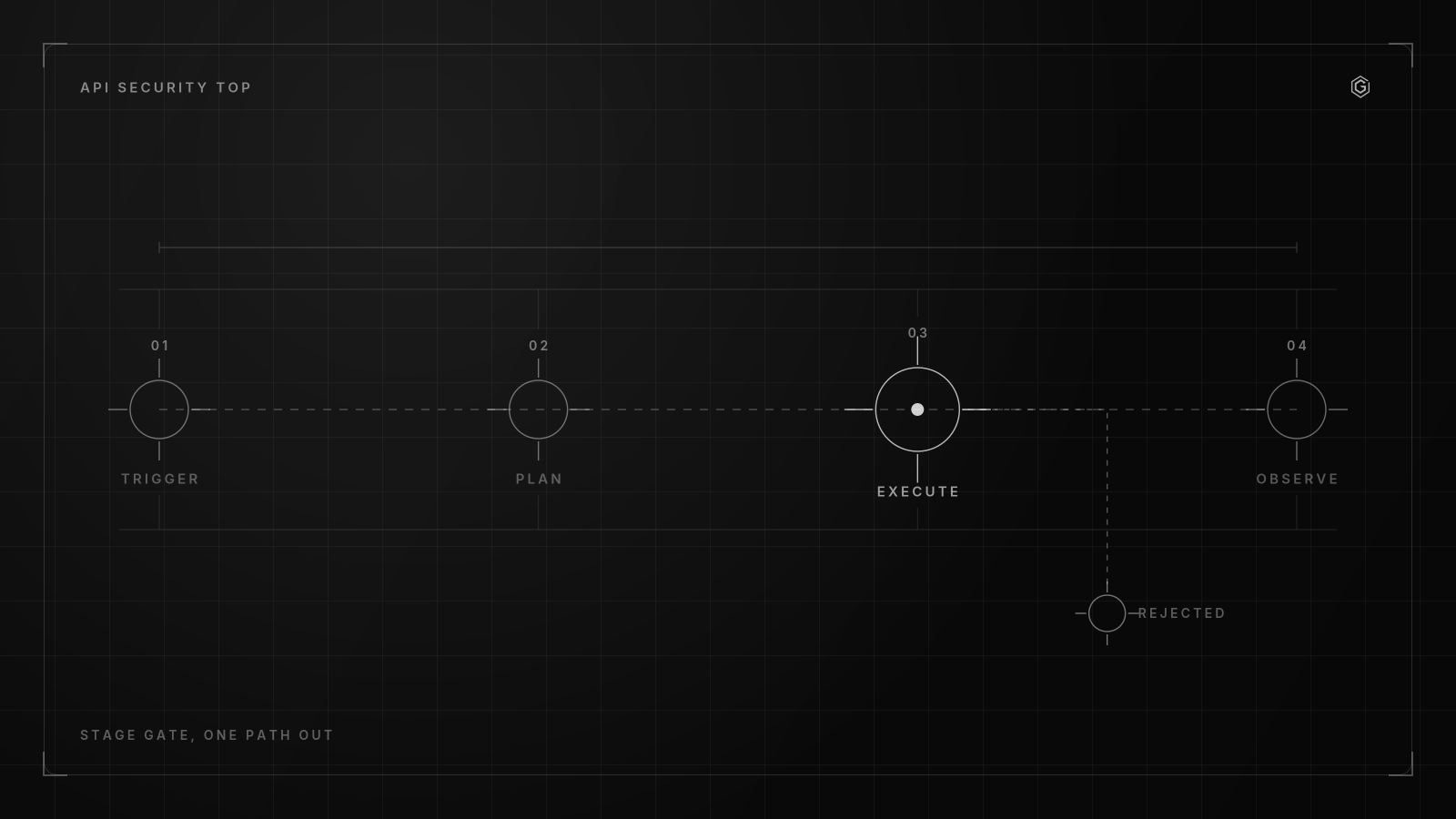
These three carry different costs. API2:2019 is defined as Broken User Authentication, targeting authentication flaws, while API7:2019 highlights Security Misconfiguration in API servers, and API8:2019 covers Injection flaws (SQL, NoSQL, Command, etc.). But they share a common failure mode: the developer assumed the framework handled it.
For API2, the owasp api security top 10 2019 checklist requires that public clients (mobile apps, SPAs) use OAuth 2.0 Authorization Code flow with PKCE. Apigee recommends using OAuth or OpenID Connect "public client" flows with PKCE for client apps. The PKCE flow prevents token interception on mobile and SPA clients where the redirect URL is interceptable.
Here is a PKCE flow implementation using the Authorization Code with a code verifier:
# Generate PKCE verifier and challenge
# Requires openssl 3.x
CODE_VERIFIER=$(openssl rand -base64 43 | tr -d "=+/" | tr -d "\n")
CODE_CHALLENGE=$(printf "%s" "$CODE_VERIFIER" | openssl dgst -sha256 -binary | openssl base64 | tr -d "=" | tr "+/" "-_")


# Authorization request
curl "https://auth.example.com/oauth2/authorize" \
 -G \
 --data-urlencode "response_type=code" \
 --data-urlencode "client_id=public_client_id" \
 --data-urlencode "redirect_uri=https://app.example.com/callback" \
 --data-urlencode "code_challenge=$CODE_CHALLENGE" \
 --data-urlencode "code_challenge_method=S256" \
 --data-urlencode "scope=openid profile"
The cost of PKCE is minimal. It requires one extra round-trip and a code verifier you must store in memory on the client. The cost of not using PKCE on a public client is an attacker intercepting the authorization code via a malicious redirect URI and exchanging it for a token.
For API8 (Injection), the audit step is fuzzing every parameter that accepts user input and reaches a database, shell, or template engine. Here is a NoSQL injection payload that bypasses weak input validation:
// NoSQL injection payload: MongoDB operator injection
POST /api/v1/users/login
Content-Type: application/json


{ "email": { "$ne": null }, "password": { "$ne": null } }
If the backend passes this directly to a MongoDB query like db.users.findOne(req.body), the $ne operator matches any document where email and password are not null, which is every user. The first document in the collection is returned, typically an admin account.
The fix is parameterized queries with explicit type enforcement:
// SECURE: MongoDB parameterized query
const user = await db.collection("users").findOne({
 email: String(req.body.email), // Force string type
 password: String(req.body.password),
});


// Even better: use a schema validation library const schema = { email: { type: "string", format: "email", required: true }, password: { type: "string", min: 8, required: true }, };
For SQL injection, the same principle applies. Use parameterized queries, never string concatenation. The audit step is to grep your codebase for raw query construction and fuzz every endpoint that touches a database.
For API7 (Security Misconfiguration), check these specific items: CORS headers (Access-Control-Allow-Origin: * with credentials is a breach), missing security headers, verbose error messages in production, and unpatched framework versions. Run nmap and nikto against your API host as part of the pipeline.
This owasp api security top 10 2019 checklist section costs developer time. PKCE flows, parameterized query audits, and configuration reviews are not glamorous work. But the cost of a single auth bypass or injection is a full incident response cycle.
The token half of API2 and API5 is checkable directly: paste a JWT into the checker on this site and it reports what the header and claims give away, in your browser, without sending it anywhere. JWT security checker.
The authorization and token sections of this list are the ones I have implemented rather than read: PeakCore Auth is an identity provider built from scratch, including the reuse detection described here. Read how it was built.
Building something similar? Let's compare notes.
A written reply, not a calendar invite. No commitment required.
Contrarian View: Why Improper Assets Management Is Your Biggest Threat
API9:2019 is Improper Assets Management, focusing on outdated or undocumented API versions. API10:2019 is Insufficient Logging and Monitoring, allowing attackers to pivot undetected, and these two categories are where the largest breaches happen, not in injection or auth flaws.
According to OWASP, the mean time to detect a breach often exceeds 200 days, highlighting the risk of API10:2019. That is over six months of undetected attacker activity. If your logging does not capture authentication failures, authorization denials, input validation failures, and rate-limit triggers, you have no visibility into an attack in progress.
Here is the contrarian position. Your team spends weeks hardening against SQL injection (API8) while leaving /api/v1/ running alongside /api/v2/ with different auth requirements. The v1 endpoints are documented in a Confluence page no one has read since 2024.
An attacker finds v1, finds a BOLA flaw that was fixed in v2 but never backported, and exfiltrates data for 200 days before anyone notices.
The audit steps for API9:
- Inventory every API version. Scan your gateway, load balancer, and DNS records. Document every active path prefix. 2. Deprecate or backport. For each old version, either backport security fixes or set a sunset date and enforce it.
- Document every endpoint. If an endpoint is not in your OpenAPI spec, it should not be reachable. Block undocumented routes at the gateway.
For API10, the audit steps are about what you log and how fast you alert:
- Log every 401 and 403 response with user ID, endpoint, and timestamp.
- Log every 429 (rate limit exceeded) with IP and endpoint.
- Log every 400 (validation failure) with the raw input that failed validation.
- Forward all security logs to a SIEM with alerting rules for patterns: 100+ 401s from one IP in 5 minutes, 50+ 403s from one user in 10 minutes, any 400 containing SQL or NoSQL operators.
The cost of API10 is log volume. Security logs are noisy and storage is not free. But the cost of not having them is a breach that runs for 200 days. I choose the storage bill.
This owasp api security top 10 2019 checklist section is the one most teams skip because it is not a code change. It is operational hygiene. It is also the section that would have prevented the largest API breaches on record.
How Does the API Security Top Edition Change Your Audit Priorities?
The 2019 edition was officially released as the first standard list for API security risks by OWASP, and the OWASP API Security Top 10 (2019) consists of 10 distinct categories of API vulnerabilities (API1 through API10). In 2023, OWASP released an updated edition that restructured several categories and added new ones.
Here is what changed between the 2019 and 2023 editions and how it affects your owasp api security top 10 2019 checklist audit.
| 2019 Category | 2023 Category | Change |
|---|---|---|
| API1: BOLA | API1: BOLA | Unchanged, still #1 |
| API2: Broken User Auth | API2: Broken Authentication | Renamed, scope similar |
| API3: Excessive Data Exposure | API3: Broken Object Property Level Authorization | Merged with API6 (Mass Assignment) |
| API4: Lack of Rate Limiting | API4: Unrestricted Resource Consumption | Renamed, scope broadened |
| API5: BFLA | API5: Broken Function Level Authorization | Unchanged |
| API6: Mass Assignment | Merged into API3 (2023) | Folded into property-level auth |
| API7: Security Misconfiguration | API8: Security Misconfiguration | Renumbered |
| API8: Injection | API8: Security Misconfiguration | Wait, let me correct this below |
| API9: Improper Assets | API9: Improper Inventory Management | Renamed |
| API10: Insufficient Logging | API10: Unsafe Consumption of APIs | New category in 2023 |
Let me correct the 2023 mapping. The 2023 edition restructured things significantly:
- API6 (Mass Assignment) and API3 (Excessive Data Exposure) merged into API3: Broken Object Property Level Authorization (2023). This means your 2019 audit steps for API3 and API6 now map to a single 2023 category.
- API10 (Insufficient Logging) was replaced by API10: Unsafe Consumption of APIs (2023). This is a new category covering vulnerabilities where your API consumes third-party APIs without validation.
- Injection (API8 in 2019) became API8: Security Misconfiguration in 2023, and the original API7 (Security Misconfiguration) was folded into it. Injection itself was absorbed into other categories.
What this means for your audit: if you are still using the owasp api security top 10 2019 checklist, you are covering the core categories (BOLA, BFLA, auth, rate limiting) that remain in the 2023 edition. You are missing coverage for Unsafe Consumption of APIs (new in 2023) and your API3 and API6 tests should be consolidated.
My recommendation: run both checklists. The 2019 checklist is more granular and maps better to specific code-level fixes, and the 2023 checklist catches the newer threat of third-party API consumption. Use 2019 for implementation audits, use 2023 for architectural reviews.
Ready to build something that lasts?
A written reply, not a calendar invite. No commitment required.
Frequently Asked Questions