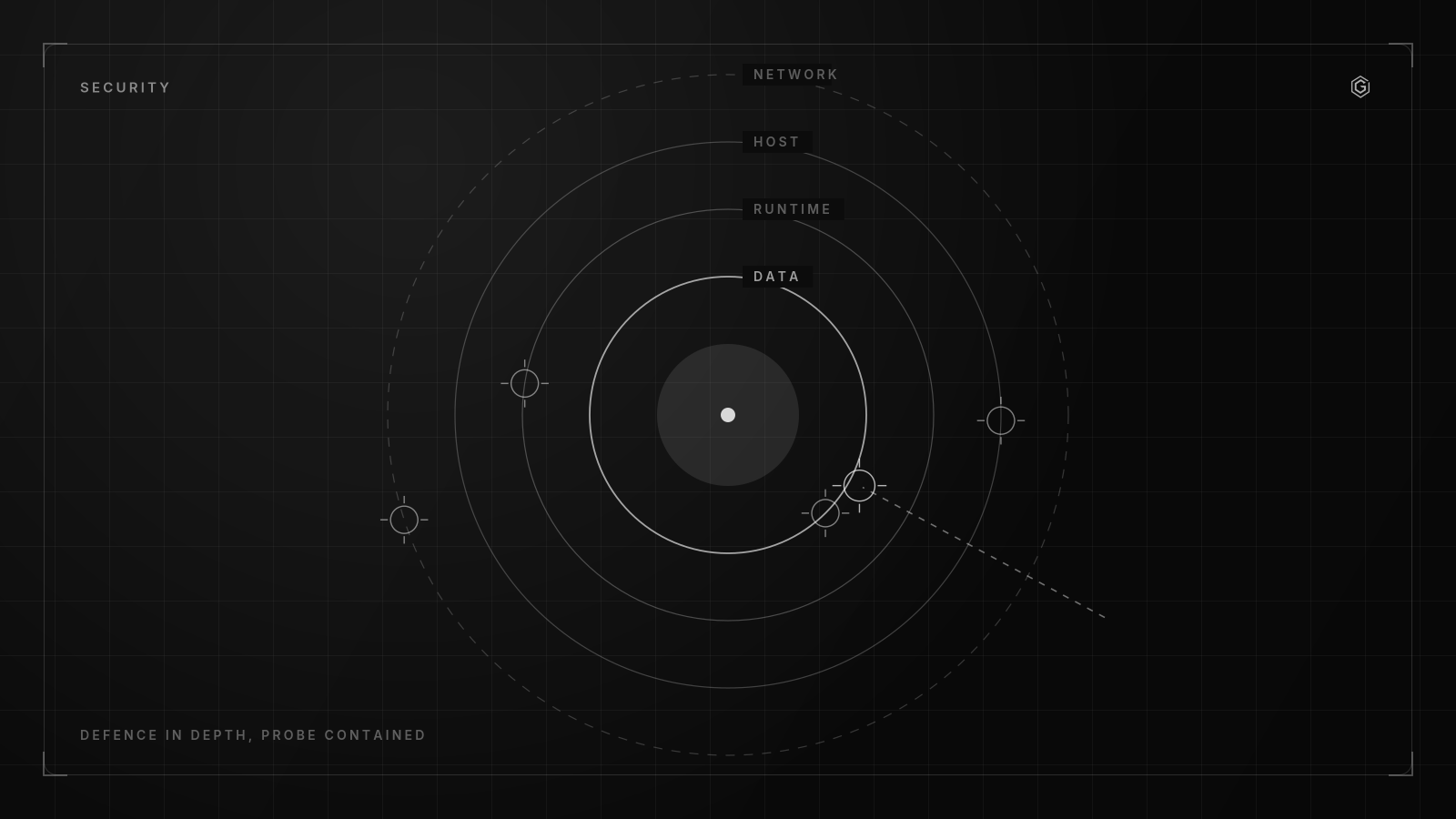
- Security is not a feature you add later. It is an architectural constraint that shapes every decision from day one.
- The three highest-impact security investments: input validation, proper authentication, and audit logging. Everything else builds on these.
- Rate limiting is security. A system without rate limits is a system waiting to be abused.
- Your security is only as strong as your weakest dependency. Audit your supply chain or accept the risk.
Security as Architecture, Not a Checklist
Security checklists give a false sense of completeness. You can tick every box and still have a fundamentally insecure system because the architecture itself creates attack surfaces that no checklist covers.
Security is an architectural constraint. Like performance or reliability, it shapes how you design the system, not what you bolt on after the system is built.
The architectural security question: At every design decision, ask: "What is the worst thing that could happen if this component is compromised?" If the answer is "everything," your architecture has a single point of total compromise. Redesign it.
Practical examples of security as architecture: - Separating the authentication service from the business logic service. If the business logic has a vulnerability, the attacker still cannot forge authentication tokens. - Using separate database credentials for read and write operations.
A compromised read endpoint cannot modify data. - Running background jobs with credentials that have no access to production user data. A compromised worker cannot exfiltrate PII.
These are not features. They are structural decisions that make certain classes of attack significantly harder.
Authentication: Getting the Foundation Right
Authentication is the foundation. If it fails, nothing else matters. Every security decision downstream assumes that the authentication layer is solid.
Non-negotiables for production authentication:
- Password hashing with bcrypt or Argon2id. Not MD5, not SHA-256, not even PBKDF2 in 2026. bcrypt with cost factor 12 or Argon2id. These are the only acceptable options.
- Token-based sessions with short expiry. JWTs with 15-minute access tokens and 7-day refresh tokens. Refresh token rotation (each refresh token can only be used once).
- HTTPS everywhere. Not just the login page. Every single request. HSTS headers with includeSubDomains and a minimum max-age of 1 year.
- Rate limiting on authentication endpoints. Maximum 5 login attempts per email per 15-minute window. After that, require CAPTCHA. After 15 failed attempts, lock the account for 1 hour.
- Multi-factor authentication available on day one. TOTP (time-based one-time passwords) is the minimum. WebAuthn/passkeys for the security-conscious.
Token Security Details
- Store refresh tokens in httpOnly cookies, not localStorage. localStorage is accessible to any script on the page.
- Include token binding: refresh tokens should be bound to the device fingerprint or IP range. A stolen refresh token from a different device should fail.
- Implement token revocation. When a user logs out or changes their password, all active tokens should be invalidated immediately.
Authorization: Beyond Role-Based Access
Most applications start with role-based access control (RBAC): admin, user, viewer. This works for simple systems but breaks down quickly when you need: - Users who own resources and can only access their own data - Team-based access where different teams see different resources - Feature-level access that is independent of roles
The authorization model that scales: Attribute-Based Access Control (ABAC) with role shortcuts.
Every authorization check should answer: "Can this user perform this action on this resource given these conditions?"
In code:
function canAccess(user: User, action: string, resource: Resource): boolean {
  // Role shortcut: admins can do everything
  if (user.role === 'admin') return true;

  // Resource ownership
  if (action === 'read' && resource.ownerId === user.id) return true;

  // Team membership
  if (action === 'read' && user.teamIds.includes(resource.teamId)) return true;

  // Default deny
  return false;
}
Critical rule: default deny. If no rule explicitly grants access, the request is denied. Never require rules to explicitly deny access; that path leads to forgotten permissions and escalation vulnerabilities.
Common Authorization Bugs
- IDOR (Insecure Direct Object Reference): User A requests /api/invoices/123 and gets User B's invoice because the API checks "is the user authenticated?" but not "does this user own invoice 123?"
- Role escalation via API: The frontend hides the "admin" button, but the API endpoint /api/admin/users is not protected. Attacker hits the endpoint directly.
- Parameter tampering: The API accepts a userId field in the request body and uses it for authorization instead of reading the user from the authenticated session.
Input Validation: The First Line of Defense
Every piece of data that enters your system from the outside world is hostile until validated. This includes: - Request bodies (obviously) - URL parameters and query strings - HTTP headers (including cookies) - File uploads - Webhook payloads from "trusted" services - Data from your own database (it could have been corrupted by a previous vulnerability)
Validation principles:
1. Validate at the boundary. Input validation happens at the API layer, before any business logic runs. Use schema validation (Zod, Joi, JSON Schema) on every endpoint.
2. Whitelist, not blacklist.
Define what is allowed, not what is forbidden. A blacklist that blocks <script> tags will be bypassed by someone using <img onerror=...>. A whitelist that only allows alphanumeric characters is much harder to bypass.
3. Type, length, format, range. Every field should have all four constraints: - Type: string, number, boolean, array, object - Length: minimum and maximum character count - Format: regex pattern for structured strings (email, phone, URL) - Range: minimum and maximum values for numbers and dates
4. SQL injection is still real. Use parameterized queries or an ORM for every database interaction. No exceptions. No string concatenation for SQL queries, ever.
5. XSS prevention is a rendering concern.
Sanitize output, not just input. Use template engines that auto-escape HTML. Never use innerHTML or dangerouslySetInnerHTML with user-supplied content without sanitization.
For the container layer specifically, the checker on this site runs these controls against a Dockerfile you paste. Dockerfile security checker.
This playbook is the one run on AiGrow, where it moved the platform from an 8 out of 10 risk posture to a 2 out of 10. Read how it was built.
Need a security review for your SaaS application?
A written reply, not a calendar invite. No commitment required.
Rate Limiting and Abuse Prevention
Rate limiting is not a performance feature. It is a security feature. Without it, your system is vulnerable to: - Credential stuffing (testing stolen username/password combos at scale) - Denial of service (consuming all resources with legitimate-looking requests) - Data scraping (downloading your entire dataset one page at a time) - Cost abuse (triggering expensive operations like AI inferences repeatedly)
Rate limiting strategy:
| Endpoint Type | Limit | Window | Action on Exceed |
|---|---|---|---|
| Login | 5 attempts | 15 min | CAPTCHA, then lock |
| API (authenticated) | 100 requests | 1 min | 429 response |
| API (unauthenticated) | 20 requests | 1 min | 429 + delay |
| File upload | 10 uploads | 1 hour | 429 response |
| Password reset | 3 requests | 1 hour | Silent drop |
Implementation: Use a token bucket or sliding window algorithm. Store counters in Redis with TTL matching the window. Key by user ID for authenticated requests, by IP + fingerprint for unauthenticated.
Do not rely on IP-based rate limiting alone. Corporate networks put thousands of users behind a single IP. Rate limit by user ID when available, IP as a fallback.
Abuse Patterns to Watch For
- Slow attacks: Requests at just below the rate limit, running 24/7. Set daily aggregate limits in addition to per-minute limits.
- Distributed attacks: Many IPs, each below the limit. Detect by monitoring total request volume to sensitive endpoints.
- Account enumeration: The login endpoint reveals whether an email exists ("invalid password" vs "account not found"). Always return the same error message: "invalid credentials."
Audit Logging and Incident Response
When a security incident happens, the first question is always: "What exactly happened?" If you do not have audit logs, the answer is "we do not know," and the incident just became 10x worse.
What to log:
Every state-changing action by any actor (user, admin, system): - Authentication events (login, logout, failed login, password change, MFA enrollment) - Authorization decisions (access granted, access denied, privilege escalation) - Data operations (create, update, delete on sensitive resources) - Admin operations (user management, configuration changes, feature flag toggles) - API key usage (creation, usage, revocation)
Log format: Structured JSON with: timestamp, actor_id, actor_type, action, resource_type, resource_id, result (success/failure), ip_address, user_agent, and a correlation_id that links related events.
Log retention: 90 days minimum in searchable storage (Elasticsearch, Loki). 1 year in cold storage (S3) for compliance.
Incident Response Basics
- Detection. Alert on anomalies: login from a new country, privilege escalation, bulk data downloads, failed authentication spikes.
- Containment. Revoke compromised credentials immediately. Disable affected API keys. If in doubt, disable the account and verify.
- Investigation. Use audit logs to trace: what the attacker accessed, how long they had access, what data was exposed.
- Communication. Notify affected users within 72 hours (GDPR requirement). Be specific about what happened and what you are doing about it.
- Remediation. Fix the vulnerability. Review logs for similar patterns. Update security controls. Document the incident and lessons learned.
Security is not optional. Let us harden your system.
A written reply, not a calendar invite. No commitment required.
Frequently Asked Questions