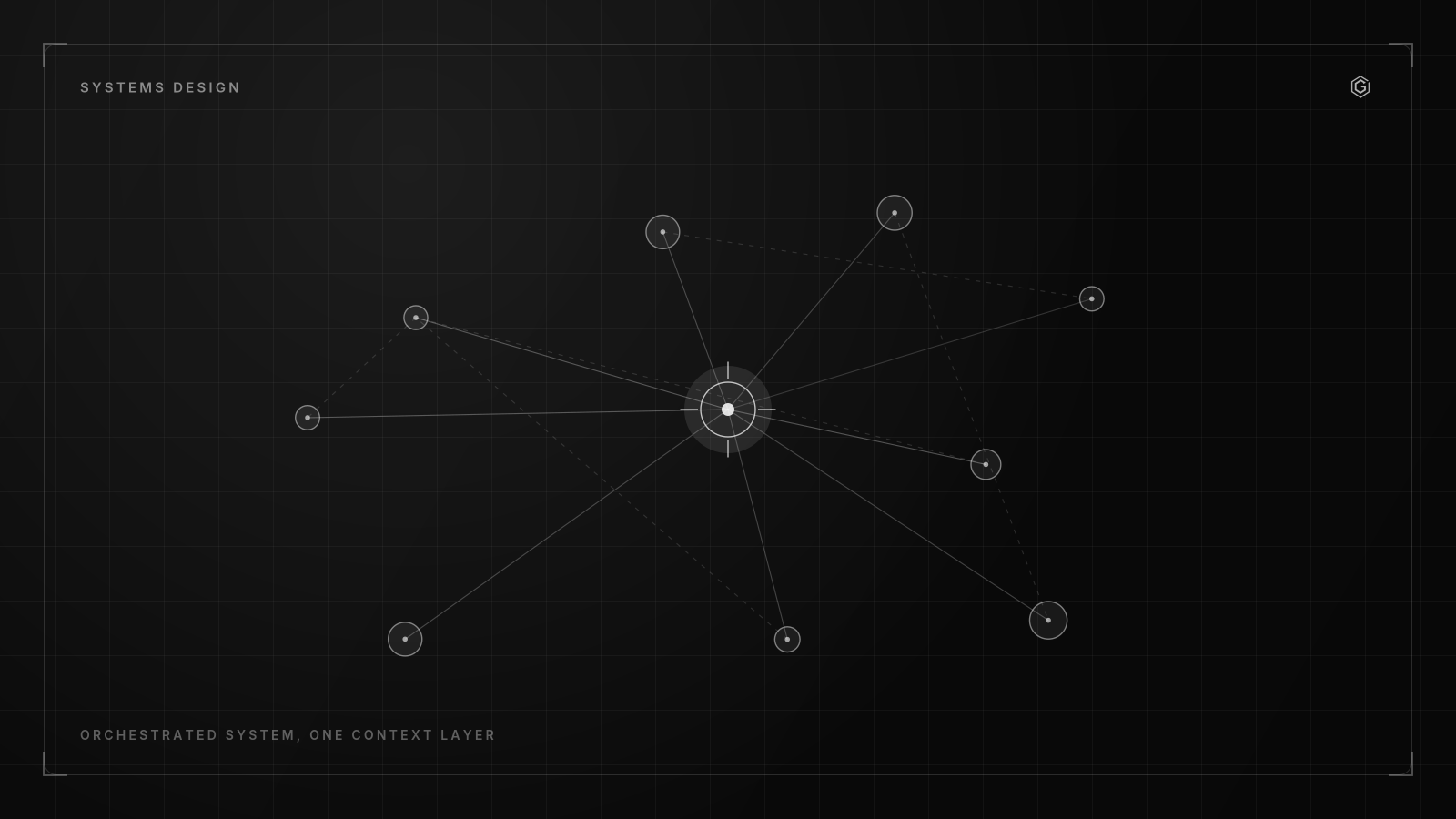
- Every production outage traces back to one of three root causes: missing observability, coupled failure domains, or untested recovery paths.
- Redundancy without automatic failover is just expensive standby. Systems need to detect and recover without human intervention.
- The most reliable systems are boring. They use proven patterns, avoid novelty, and prioritize operability over elegance.
- Design for the 3 AM scenario: if your system breaks while everyone is asleep, can it recover on its own?
Why Production Systems Fail
Every outage I have investigated in the last seven years traces back to one of three root causes. Not the surface cause (a bad deploy, a disk filling up, a certificate expiring). The structural cause. The architectural decision that made the failure possible in the first place.
Root Cause 1: Missing Observability Teams cannot fix what they cannot see. The most common failure pattern is a system that degrades slowly over weeks. Memory leaks, connection pool exhaustion, queue backlogs growing at 2% per day.
By the time someone notices, the system is already in a degraded state and recovery is expensive.
Root Cause 2: Coupled Failure Domains A single database serves both the user-facing API and the background job processor. The batch job runs a heavy query, the database connection pool saturates, and the API starts returning 503s. Two unrelated systems fail together because they share a resource boundary.
Root Cause 3: Untested Recovery Paths Backups exist but have never been restored. Failover is configured but has never been triggered. The runbook was written 18 months ago and references infrastructure that no longer exists. When the failure hits, the recovery path fails too.
These three causes account for roughly 80% of production incidents I have seen across fintech, SaaS, and e-commerce platforms. The architecture patterns in this article address all three.
Failure Domains: The Foundation of Reliability
A failure domain is the blast radius of a single component failure. If your API server, database, cache, and queue all run on the same machine, your failure domain is "everything." One disk failure takes down your entire business.
The principle is simple: minimize the blast radius of any single failure.
In practice, this means:
- Separate compute from storage. Your application servers should be stateless. State lives in managed databases and object storage.
- Separate read paths from write paths. Read replicas serve API queries. The primary handles writes and background jobs. A slow query on a replica does not affect write throughput.
- Separate user-facing systems from batch processing. Background jobs run on dedicated workers with their own database connections, their own queues, and their own error budgets.
Real Example
A fintech client ran their payment processing API and their daily reconciliation job on the same database. The reconciliation job locked rows for 15-20 minutes every morning at 9 AM. During that window, payment processing latency spiked from 200ms to 4 seconds. Users saw timeout errors.
The fix was architectural: move the reconciliation job to a read replica with a 30-second replication lag (acceptable for batch processing). The primary database serves only transactional writes. Total implementation time: 2 days. Payment latency dropped back to 200ms permanently.
The Observability Stack That Actually Works
Observability is not logging. Logging is a component. Observability is the ability to understand system state from external outputs. It requires three layers working together.
Layer 1: Metrics Time-series data about system behavior. CPU utilization, request latency (p50, p95, p99), error rates, queue depth, connection pool usage. These should be collected every 10-15 seconds and retained for at least 30 days.
Layer 2: Logs Structured (JSON) logs with correlation IDs. Every request gets a unique ID that propagates across services. When something breaks, you can trace the entire request path from ingress to database to response.
Layer 3: Alerts Alerts are the bridge between metrics and humans. But most teams get this wrong. They alert on symptoms (CPU > 90%) instead of impact (error rate > 1%). They alert on every blip instead of sustained anomalies.
The Alert Rules I Use
- Alert on SLO violations, not resource metrics. If your SLO is "99.9% of requests complete in under 500ms," alert when that SLO is at risk. A CPU spike that does not affect latency is not worth waking someone up for.
- Require sustained duration. A 30-second latency spike is noise. A 5-minute sustained increase is signal. Set minimum durations on all alerts.
- Include context in notifications. The alert should tell you: what broke, since when, the current impact (error rate, affected users), and a link to the relevant dashboard.
- Page on impact, notify on anomaly. Not every alert needs to wake someone up. Use severity levels: P1 (page immediately), P2 (notify on-call for acknowledgment), P3 (next business day).
Redundancy That Actually Recovers
Redundancy without automatic failover is just expensive standby. I have seen teams pay for multi-AZ database deployments that required manual intervention to failover, which defeated the entire purpose.
Active-Active vs. Active-Passive
Active-Active: all instances serve traffic simultaneously. Load is distributed across them. If one fails, the others absorb the load. This is the default for stateless services behind a load balancer.
Active-Passive: one instance serves traffic, the other is on standby. Failover happens when the active instance fails. This is common for databases with a primary and a synchronous replica.
Key Decisions
For stateless services (APIs, workers): - Run at least 2 instances behind a load balancer - Use health checks with a 10-second interval and 3-failure threshold - Autoscale based on request latency, not CPU (latency is the user-facing metric)
For databases: - Run a primary with at least one synchronous replica - Automated failover with a maximum of 30 seconds of downtime - Connection pooling (PgBouncer for PostgreSQL) to handle connection storms after failover
For caches (Redis/Memcached): - Treat cache as ephemeral. Your system must survive a complete cache wipe - Use cache-aside pattern: application checks cache first, falls back to database, populates cache on miss - Never store data in cache that does not exist in a persistent store
The test is simple: can you kill any single component in your system and have it recover automatically within 60 seconds? If the answer is no for any component, that is your next reliability project.
Signing-key rotation in PeakCore Auth is this argument in miniature: a correct security practice that becomes an outage unless the failure domain is thought through first. Read how it was built.
Need an architecture review for your production system?
A written reply, not a calendar invite. No commitment required.
Deployment Safety: The Last Line of Defense
Most outages are caused by deployments. Not by code bugs, but by the deployment process itself. A deploy that works in staging but fails in production because of a missing environment variable. A migration that locks a table for 20 minutes. A configuration change that is not backward-compatible.
The deployment safety checklist I follow:
- Canary deploys. Roll out to 5% of traffic first. Monitor error rates and latency for 10 minutes. If metrics are stable, proceed to 25%, then 50%, then 100%.
- Automatic rollback triggers. If error rate exceeds 2x the baseline within 5 minutes of deploy, roll back automatically. No human decision needed.
- Database migrations are separate from code deploys. Migrate the schema first (additive changes only: new columns, new tables). Deploy the code that uses the new schema. Never drop columns or tables in the same deploy that changes the code.
- Feature flags for risky changes. New features ship behind flags. The deploy is just the code. The activation is a separate decision, reversible in seconds.
- Post-deploy verification. Automated smoke tests run against production immediately after deploy. Not unit tests. End-to-end tests that verify the critical user paths still work.
The Migration Anti-Pattern
The most dangerous deployment pattern I see: a single migration that adds a column, populates it with data from a background job, and then changes the application code to read from the new column. If any step fails, the system is in an inconsistent state.
The safe pattern: three separate deploys. Deploy 1: add the column (nullable). Deploy 2: background job populates the column. Deploy 3: code starts reading from the new column. Each step is independently reversible.
The Boring Technology Principle
The most reliable systems I have built use boring technology. PostgreSQL, not the latest distributed database. Redis, not a custom caching layer. Nginx, not a novel proxy written in Rust.
This is not about being conservative for its own sake. It is about risk management. Every new technology introduces unknown failure modes.
A well-understood technology has well-understood failure modes, well-documented recovery procedures, and a large community of operators who have solved your problem before.
When to break the boring rule:
- The boring option genuinely cannot solve the problem (true horizontal sharding, real-time streaming at millions of events per second).
- The team has deep operational experience with the non-boring option.
- The risk of adoption failure has been explicitly budgeted (time, money, and blast radius if it does not work).
For 90% of production systems I work on, PostgreSQL + Redis + a message queue (SQS, RabbitMQ) + a stateless application layer is enough. The architectural complexity should come from how you compose these components, not from the components themselves.
The real skill in systems architecture is not picking the most advanced technology. It is knowing when the simple one is enough.
Building something that needs to survive production? Let us talk.
A written reply, not a calendar invite. No commitment required.
Frequently Asked Questions