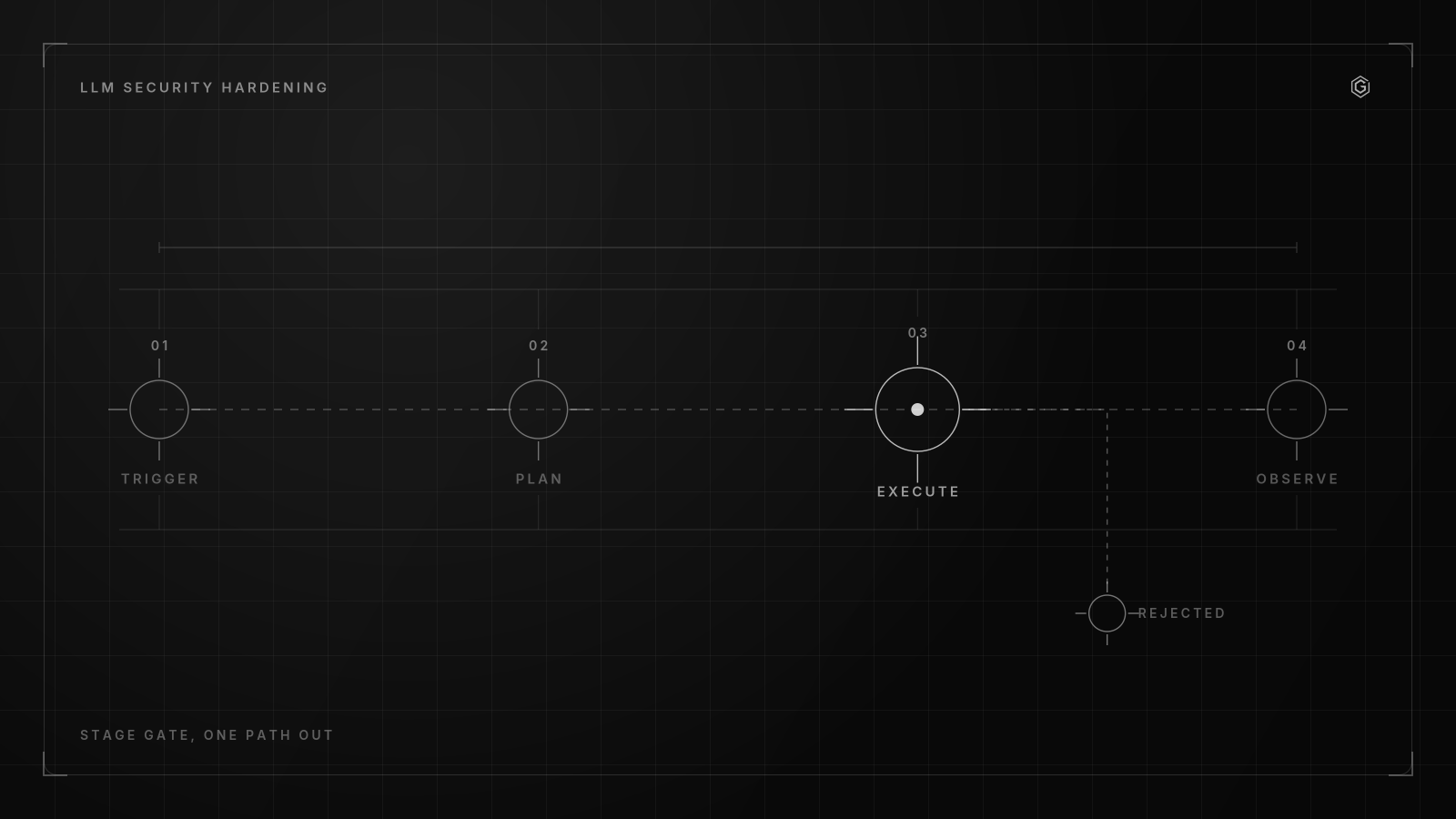
- Rotate any exposed LLM key immediately and assume it is compromised; auditing provider dashboards for unexpected usage spikes is your most reliable breach signal.
- Move all LLM credentials to a dedicated secrets manager and enforce runtime injection via the manager's API or SDK; never embed keys directly in notebooks, scripts, or container builds.
- Prevent accidental log leakage by adding `set +x` before any CI step that references secrets and configuring provider-specific regex patterns in GitLeaks.
- Implement a dual-key overlap rotation (T+0 to T+48h) to maintain continuous deployment uptime; for high-spend keys, target a 30-60 day rotation cycle.
- Bridge the OIDC gap by using an auth gateway or broker to exchange short-lived cloud tokens for scoped LLM keys, as most LLM providers do not natively support OIDC.
What Is the Real Risk of Static LLM Keys in Ephemeral CI Runners?
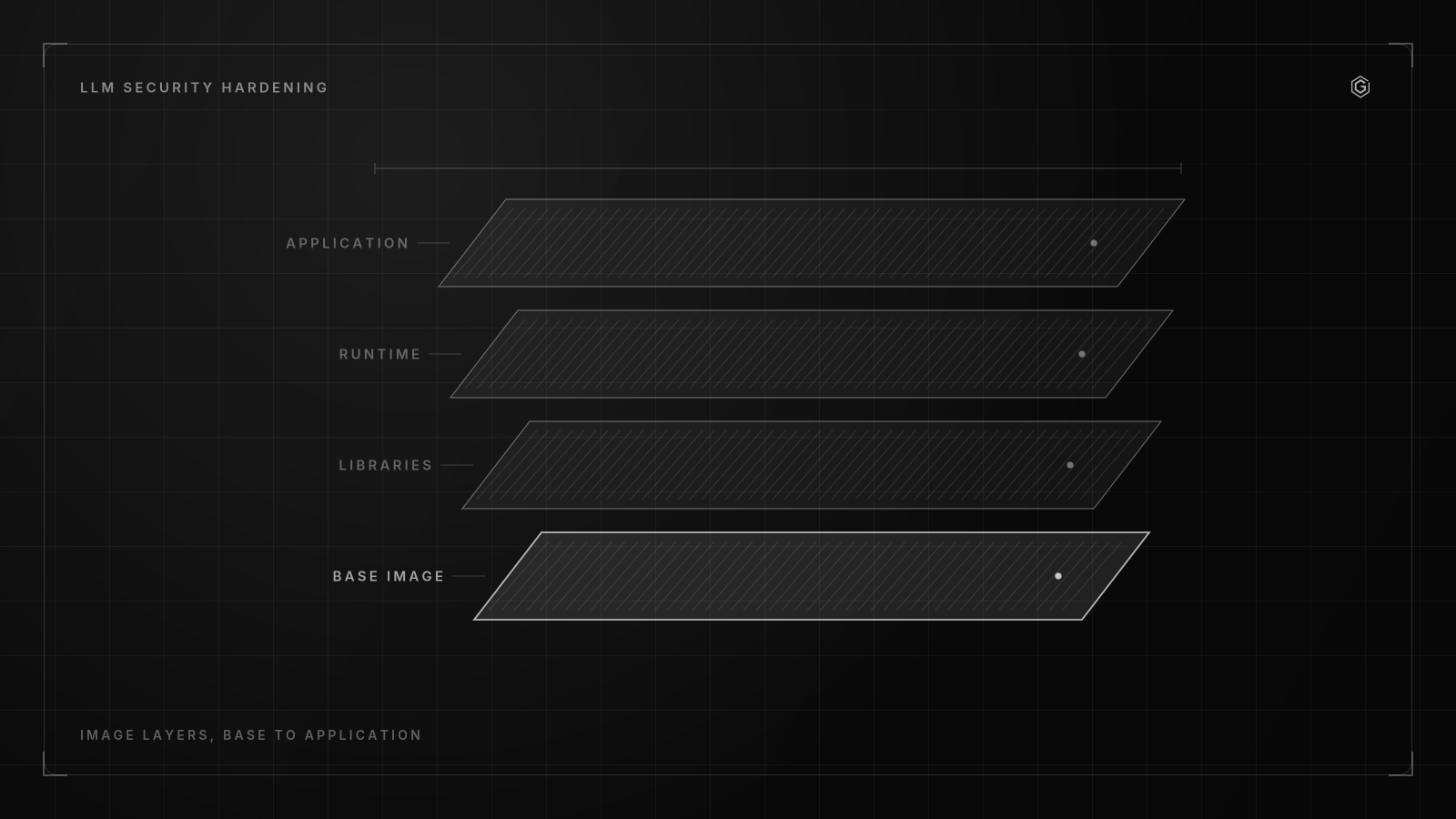
Static LLM key exposure is the leakage of long-lived provider credentials in build logs, artifacts, or runner memory. Ephemeral CI runners mask this risk because the runner vanishes after the job completes, but logs and artifacts persist in the pipeline UI, searchable by anyone with read access.
How do secrets leak easiest in AI systems? When they are stored directly in notebooks, scripts, configuration files, or container builds. In CI, the vectors multiply.
A GitHub Actions step that echoes $OPENAI_API_KEY for debugging writes it to the Actions log, retained for 90 days. And a GitLab CI job that passes secrets as environment variables to a Docker build bakes them into an intermediate layer if the Dockerfile uses ENV instead of runtime injection.
Ephemeral runners create a false sense of safety. The runner is gone. But the evidence is not.
Logs outlive the machines that produced them. I have seen teams discover a key leak weeks after the runner was destroyed, when an audit of provider dashboards showed unexpected usage spikes from an unfamiliar region. The key had been sitting in a cached workflow artifact, accessible to every developer with repo read access.
That is the real threat surface.
Managing API keys for LLMs in CI/CD pipelines starts with understanding that the runner is not the threat surface. The logs, artifacts, cache hits, and debug output are. Cloud providers like AWS and GCP issue short-lived OIDC tokens that expire in minutes, while LLM providers issue static keys that last until you manually revoke them.
The gap between cloud-native auth and LLM auth is where most teams stumble. AWS, GCP, and Azure all support workload identity federation through OIDC tokens that last minutes. Your CI runner gets a token, assumes a role.
The token expires before an attacker can replay it. But LLM providers have no equivalent.
Every OpenAI API key, Anthropic key, or DashScope key is a long-lived bearer token. Anyone who reads it from a log, artifact, or environment dump can use it until you revoke it. Add LLM key patterns to your SIEM if you are ingesting repo events.
Audit provider dashboards weekly for unexpected usage spikes. The key you do not know is leaked is the key that costs you the most.
Step 1: Eliminate Hardcoded Secrets with Runtime Injection Architecture
The first step in managing API keys for LLMs in CI/CD pipelines is removing secrets from YAML files, environment files, and container images. Move all LLM keys to your secrets manager (Vault, AWS Secrets Manager, or GitHub Secrets). Every component in your AI pipeline should request what it needs at runtime through the manager's API or SDK.
I got this wrong the first time. I trusted GitHub's secrets. context to mask a key fetched from AWS Secrets Manager, but the CLI output appeared in a debug log when a network timeout triggered verbose error output. What fixed it was adding set +x and ::add-mask:: to every step that touched the key.
Here is the GitHub Actions pattern I deploy for pulling an OpenAI API key from AWS Secrets Manager at runtime:
name: LLM Inference Test
on: push


jobs: test: runs-on: ubuntu-latest permissions: id-token: write contents: read steps: - uses: actions/checkout@v4 - name: Configure AWS credentials via OIDC uses: aws-actions/configure-aws-credentials@v4 with: role-to-assume: arn:aws:iam::123456789012:role/gh-actions-llm-reader aws-region: us-east-1 - name: Fetch LLM key from Secrets Manager run: | set +x OPENAI_API_KEY=$(aws secretsmanager get-secret-value \ --secret-id prod/openai/inference \ --query SecretString --output text) echo "::add-mask::$OPENAI_API_KEY" echo "OPENAI_API_KEY=$OPENAI_API_KEY" >> "$GITHUB_ENV" - name: Run inference test run: python tests/test_inference.py
The key points are simple. set +x prevents shell expansion logging. ::add-mask:: tells GitHub Actions to redact the value in any subsequent log output. OIDC federation means the AWS credentials themselves are short-lived, and the LLM key is the only long-lived secret in the entire chain.
For GitLab CI, the pattern uses Vault directly:
stages:
 - test


variables: VAULT_ADDR: "https://vault. internal. example. com"


llm_test: stage: test image: hashicorp/vault:1.18 script: - set +x - export VAULT_TOKEN=$(vault write -field=token auth/jwt/login role=gitlab jwt="$CI_JOB_JWT") - export OPENAI_API_KEY=$(vault kv get -field=api_key secret/llm/openai-prod) - python tests/test_inference.py
The same runtime injection pattern extends beyond CI runners. Apache Airflow connections, Kubeflow pipelines, Ray tasks, MLflow jobs, and most CI/CD runners can pull secrets dynamically rather than embedding them in code or YAML. The mechanism differs per tool:
- Airflow: Use
Connectionswith backend secrets stores (Vault, AWS Secrets Manager) via Airflow provider packages. The connection object holds the key. DAG code references the connection ID, not the key value. - Kubeflow: Mount Kubernetes secrets populated by External Secrets Operator. The pod reads from a mounted volume path at
/var/secrets/openai/key, not from a hardcoded environment variable. - Ray tasks: Pass credentials through Ray's
runtime_envenvironment variables, populated from Vault at task submission time. - MLflow: Store the provider key in the tracking server's secret store. Model serving endpoints request it through the MLflow client SDK at inference time.
The cost of this architecture is operational complexity. You now depend on your secrets manager being available when CI workflows run. A Vault outage blocks every pipeline. The tradeoff is a single rotation point, centralized audit logging, and no secrets in git.
Step 2: Implement Dual-Key Overlap Rotation for High-Spend LLM Credentials
Rotate every exposed key. Assume it is compromised. According to Therouter, SOC 2 and ISO 27001 typically require rotation every 90 days.
For LLM keys with high spending authority, a 30 to 60 day cycle is recommended. The shorter window matters because LLM keys are billing keys: no provider enforces a spending cap that protects you from an inference bill accumulated over 48 hours of unrestricted API access.
Managing API Keys for LLMs in CI/CD Pipelines demands rotation without dropping in-flight requests. You cannot revoke a key and generate a new one in the same step without failing active jobs. The dual-key overlap pattern solves this.
The timeline:
- T+0: Generate a new key (KEY_B) in the provider dashboard. Add KEY_B to your vault or gateway alongside KEY_A. Both keys are now active and valid.
- T+1h: Verify KEY_B works by sending test requests through a canary job. Check the provider dashboard for successful API calls.
- T+24h: Update all consumers to prefer KEY_B. In your secrets manager, swap the primary key pointer. Consumers that cache the key pick up KEY_B on their next read.
- T+48h: Revoke KEY_A in the provider dashboard. By now, every consumer has cycled to KEY_B. Any request still using KEY_A fails with a 401.
The 48-hour window exists because some consumers cache keys. Airflow workers may hold a connection object for the lifetime of a scheduler tick. Kubernetes pods may not re-read a mounted secret until restart. The overlap ensures no request drops during the transition.
Automating rotation through your secrets manager fits naturally with pipeline-style workloads. A scheduled Airflow DAG or a GitHub Actions cron job can trigger rotation, update the vault, and verify the new key. The hard part is not the automation; it is the provider API.
OpenAI, Anthropic, and most LLM providers lack a fully featured key management API. You rotate manually in the dashboard and update the vault through a controlled script. The benefit of frequent rotation is muscle memory: a team that rotates monthly has the runbook down cold.
A team that rotates annually relearns it under a live incident.
What breaks when rotation goes wrong: if you revoke KEY_A before all consumers pick up KEY_B, you get intermittent 401 errors from any pod still holding the old key. The failure mode is silent at first, then noisy. You see it in your error budget burn, not in your provider dashboard.
Monitor 401 rates during the T+24h to T+48h window. If they spike after the primary pointer swap, extend the overlap before revoking KEY_A.
The cost of dual-key rotation is key management overhead. You maintain two active keys per credential during rotation windows. Provider dashboards get cluttered. Your vault needs tagged versions. For a fleet of 20 LLM keys across staging and production, this means 40 active keys during rotation.
Contrarian View: Why a Centralized Secrets Manager Fails for LLM Access Scopes
A centralized secrets manager solves the hardcoded secret problem. But it does not solve the lateral movement problem. If every stage of your pipeline pulls the same production LLM key from Vault, a compromise in the test stage gives an attacker access to the production credential.
The vault did its job: the key was not in the code. The architecture failed: the key was not scoped.
Managing API keys for LLMs in CI/CD pipelines is not just about where the key lives. It is about what the key can actually do. A test job that runs untrusted user input through an LLM should not hold a key with production spending authority.
A build step that compiles model weights should not have inference API access at all.
On a recent build, I took per-stage key isolation over a single shared key, and it cost me extra Vault configuration work per stage. The tradeoff paid off when a compromised test runner could only burn a low-limit test key instead of the production credential. The blast radius was contained to a test project with a low monthly cap.
A clearer pattern is to scope one credential per stage, so each stage operates with its own isolated access. Check if your keys have org-level or project-level scope and tighten it. The mapping is strict:
- Test stage: A project-scoped key with model restrictions and a low spend limit.
- Build stage: No LLM key at all. Build steps do not need inference access.
- Deploy stage: A deployment-scoped key with access to the serving endpoint but not model training.
- Production inference: A production-scoped key with full model access but no billing modification rights.
The cost of per-stage isolation is key sprawl. You go from one key to four or five per environment. Your secrets manager needs to track which key belongs to which stage. Provider dashboards become harder to audit. The benefit is that a breach in one stage does not cascade to the others.
The failure mode here is subtle. CI platforms often cache environment variables across stages. GitLab passes variables between jobs unless you explicitly scope them.
If your test job sets OPENAI_API_KEY as a job-level env var, the deploy job inherits it unless you reset it. A compromised test script reads that variable, exfiltrates it, and uses it for production inference.
The centralized secrets manager gives you a single point of control. Per-stage scoping gives you blast radius containment. You need both.
Building something similar? Let's compare notes.
Response within 24 hours. No commitment required.
How Do You Map Provider-Specific Scoping to CI/CD Pipeline Stages?
Provider-specific scoping maps LLM credentials to CI/CD stages by matching each provider's native isolation features to pipeline stages. OpenAI supports project-scoped API keys that restrict a key to specific models and rate limits within a project. Anthropic offers workspace-level key isolation.
DashScope uses RAM-based access control per key.
OpenAI supports project-scoped API keys that restrict a key to specific models and rate limits within a project, making it the most flexible of the three providers for CI/CD scoping. You create a ci-test project with a restricted model list and a low rate limit, then issue a key scoped to that project. The production stage uses a key from a prod-inference project with the full model list.
Anthropic offers workspace-level key isolation. Each workspace has its own API keys, usage limits, and member list, and you create a staging workspace and a production workspace, then issue keys per workspace. The limitation is that Anthropic's workspace scoping is coarser than OpenAI's project scoping.
You cannot restrict a key to specific models within a workspace.
DashScope uses RAM-based access control per key. You define roles with specific action permissions (read, inference, training) and attach them to API keys. This maps well to CI/CD stages because each stage uses a key with a role that grants only the actions that stage needs.
| Provider | Scoping Mechanism | Granularity | CI/CD Stage Mapping |
|---|---|---|---|
| OpenAI | Project-scoped keys | Per-project, per-model, per-rate-limit | Test: limited models + low RPM; Prod: all models + high RPM |
| Anthropic | Workspace isolation | Per-workspace, per-member | Test: dev workspace with restricted models; Prod: production workspace |
| DashScope | RAM-based ACL | Per-role, per-resource, per-action | Test: read-only role; Prod: inference role with model access |
Managing API keys for LLMs in CI/CD pipelines requires understanding these provider differences. The OpenAI project scoping API lets you set per-project rate limits. A test project with a 60 requests-per-minute limit prevents a runaway test script from burning your production quota.
The key is scoped to the project, so even if it leaks, the attacker can only use the models and rate limits assigned to that project.
For Anthropic, the workspace model means you need separate workspaces for test and production. A test workspace key can access all models available to that workspace. You control access by limiting which models the workspace can use, not by restricting the key itself.
For DashScope, the RAM-based approach is the most granular but also the most complex to configure. You define RAM roles, assign policies to roles, then attach roles to keys. The benefit is a role that only allows inference on a specific model, which is tighter than OpenAI or Anthropic offer natively.
The cost of tight scoping is provider-side configuration overhead. Each provider has its own dashboard, its own key creation flow, and its own rate limit settings. You maintain parallel configurations across providers.
Step 3: Integrate Active Scanning and SIEM Detection for LLM Key Leakage
Active scanning is your safety net. Even with runtime injection and per-stage scoping, a key can leak through a debug statement, a verbose error message, or an artifact that captures environment state. Managing API keys for LLMs in CI/CD pipelines requires active detection because passive controls fail at the edges.
Never echo secrets in build steps. Add set +x before any step that uses them. Shell expansion logging is the most common leak vector in CI: a set -x at the top of a script prints every variable assignment, including OPENAI_API_KEY=sk-., to the job log.
Add provider-specific patterns to your GitLeaks and TruffleHog configuration. Here is a GitLeaks config that detects OpenAI, Anthropic, and Cohere keys:
{
 "rules": [
 {
 "id": "openai-api-key-legacy",
 "description": "OpenAI API Key (legacy format)",
 "regex": "sk-[A-Za-z0-9]{20}T3BlbkFJ[A-Za-z0-9]{16}",
 "tags": ["key", "openai", "high"]
 },
 {
 "id": "openai-api-key-v2",
 "description": "OpenAI API Key (current format)",
 "regex": "sk-[A-Za-z0-9]{48}",
 "tags": ["key", "openai", "high"]
 },
 {
 "id": "anthropic-api-key",
 "description": "Anthropic API Key",
 "regex": "sk-ant-[A-Za-z0-9-_]{86}",
 "tags": ["key", "anthropic", "high"]
 },
 {
 "id": "cohere-api-key",
 "description": "Cohere API Key",
 "regex": "co-[A-Za-z0-9]{40}",
 "tags": ["key", "cohere", "high"]
 }
 ]
}
And the TruffleHog config for scanning CI logs:
#.trufflehog.yaml
detectors:
 - name: openai-key
 keywords: ["sk-"]
 regex:
 secret: "(?P<secret>sk-[A-Za-z0-9]{20}T3BlbkFJ[A-Za-z0-9]{16})"
 verify: false
 - name: anthropic-key
 keywords: ["sk-ant"]
 regex:
 secret: "(?P<secret>sk-ant-[A-Za-z0-9-_]{86})"
 verify: false
Scan pipeline logs, build logs, training logs, and inference responses for values that look like API keys or tokens. When reviewing CI output in fullscreen mode on your terminal, a leaked key buried in a debug line is easy to miss. The scanning workflow is:
- Run GitLeaks or TruffleHog as a CI step on every push. Fail the build on detection. 2. Export CI job logs to your SIEM via webhook or log shipper.
- Create SIEM alerts for any string matching
sk-orsk-ant-patterns in non-scanning log streams. - Review provider dashboards weekly for usage spikes. A spike from an unrecognized IP is your earliest signal of a leaked key.
The set +x rule deserves emphasis. In bash, set -x is debug mode that prints each command before execution. CI scripts often enable it for troubleshooting.
If your script does export OPENAI_API_KEY=$KEY while set -x is active, the key value appears in the log. Always pair set -x with a set +x guard around any line that references a secret.
The cost of active scanning is false positives. GitLeaks flags any string starting with sk- that matches the regex, including test fixtures and documentation examples. You need to tune the rules and add allowlists for known-safe patterns.
Bridging the OIDC Gap: Auth Brokers for LLM Providers
The core architectural problem in managing API keys for LLMs in CI/CD pipelines is this: your CI runner authenticates to cloud providers through OIDC, gets a short-lived token, and assumes an IAM role. But the LLM provider does not accept that token, and you still need a static API key to call OpenAI API, Anthropic, or DashScope. The OIDC chain stops at the LLM provider's door.
Top results miss the intersection of ephemeral CI runners and short-lived credentials for LLM access, as LLM providers do not natively support OIDC like cloud providers do. AWS, GCP, and Azure all issue tokens that expire in minutes. OpenAI, Anthropic, and Cohere issue keys that expire never.
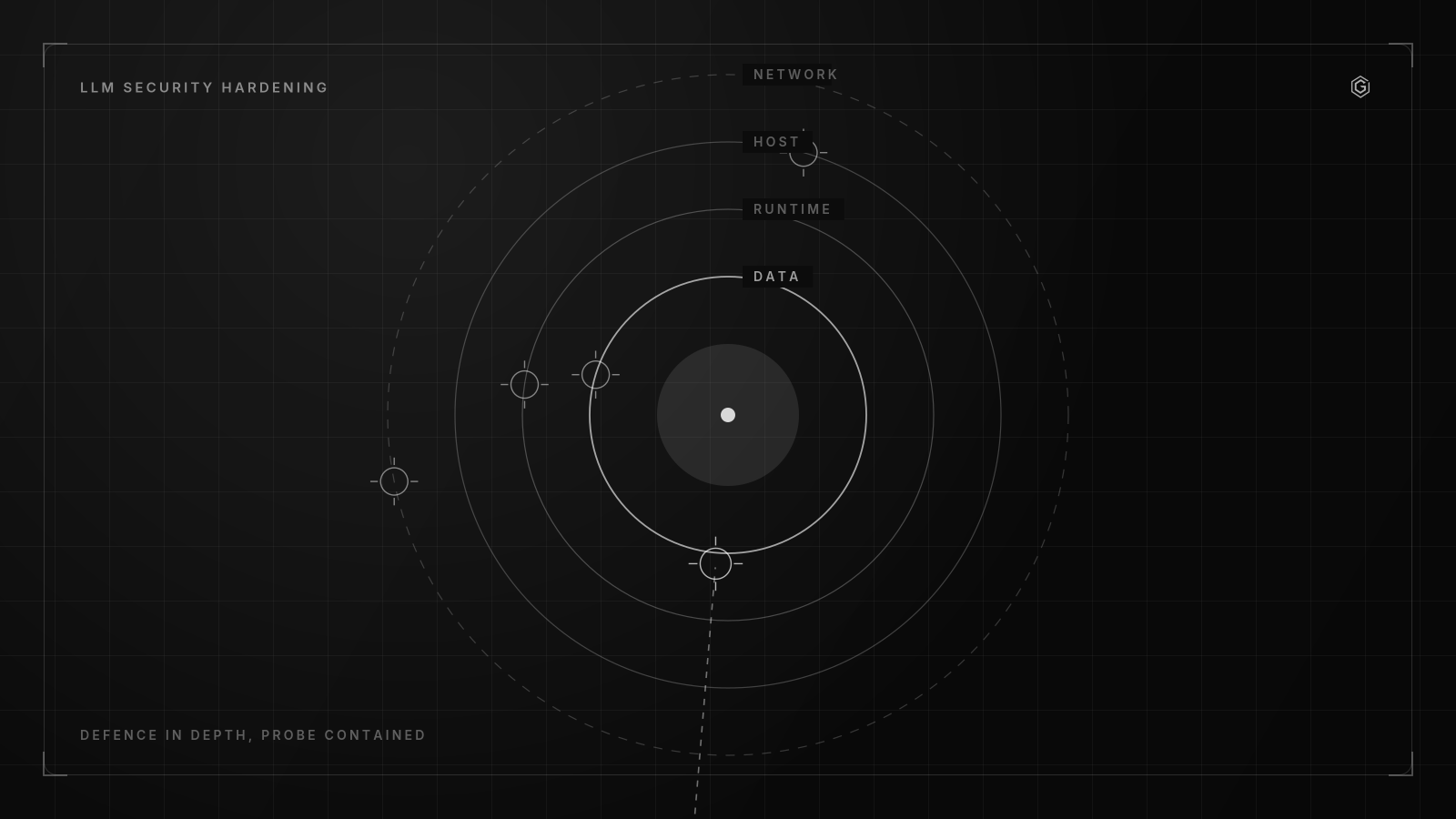
The auth broker pattern closes this gap. You deploy a gateway service that accepts OIDC tokens from your CI runner and returns a scoped LLM credential. The flow is simple:
- Your CI runner obtains an OIDC token from the cloud provider (GitHub Actions OIDC, GitLab CI JWT, or your IdP).
- The runner sends the token to your auth broker, running in your VPC or as a sidecar container.
- The broker validates the token against your IdP, checks the runner's assumed role, and returns an LLM API key scoped to the runner's stage.
- The runner uses the returned key for the duration of the job. The key lives in memory, not on disk.
The broker holds the primary LLM keys in a secrets manager, and it never exposes the primary key to the CI runner. It issues short-lived, scoped credentials or proxies requests on behalf of the runner. If the runner is compromised, the attacker gets a scoped key, not the primary.
The cost of this architecture is running a new service. The broker needs high availability, monitoring, and audit logging. It becomes a critical path dependency: if the broker is down, no CI job can get an LLM key.
The decision comes down to your threat model. If your primary threat is external attackers targeting your CI, the broker pattern limits credential exposure to the window of a single job. If your primary threat is insider misuse or accidental leakage, per-stage scoping and scanning may be enough.
If your LLM spend is low and your job count is small, static injection with per-stage scoping and active scanning is sufficient. If you run hundreds of CI jobs per day against production models with significant monthly spend, the broker pays for itself the first time a key leaks and the blast radius is a single job instead of your entire billing account. Most teams start with static injection and move to a broker after their first incident.
The question is whether you want to wait for that incident or build the broker before you need it.
Ready to build something that lasts?
Response within 24 hours. No commitment required.
Frequently Asked Questions