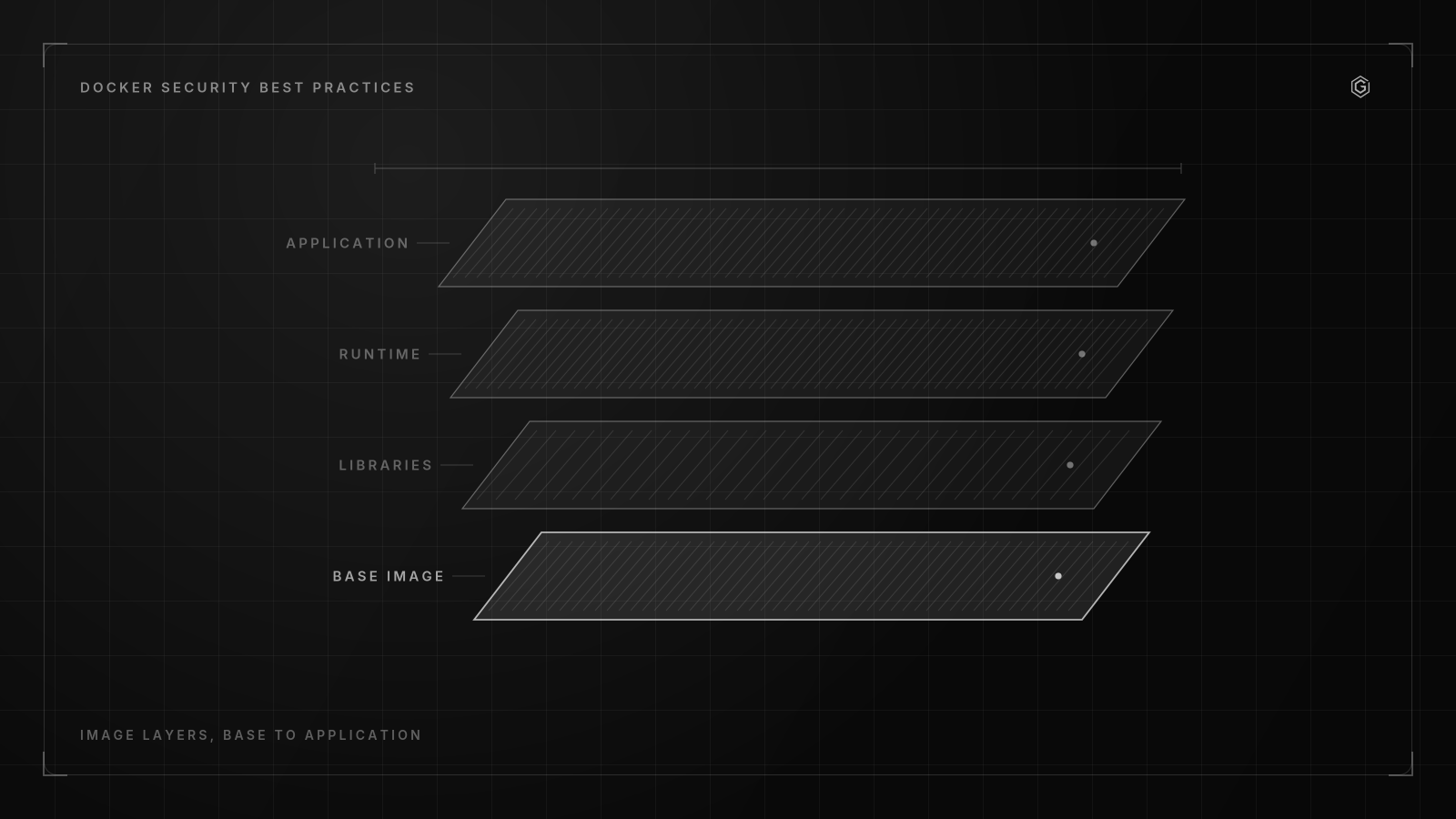
- Most container vulnerabilities originate from unnecessary packages in base images rather than application code, making hardened, minimal base images essential.
- While Trivy effectively assesses CIS Benchmark Section 4 (images) and parts of 5 (runtime), host and daemon hardening (Sections 1-3) require manual or host-level scanner verification.
- Over 60% of unaudited images run as root, making CIS control 4.1 (no root user) the most common and critical failure point in container security.
- Hardening is a lifecycle, not a checklist; minimal images are ineffective without SLSA build provenance, SBOMs, and continuous vulnerability transparency.
- CI/CD pipelines must enforce security via policy-as-code, blocking deployments unless images have valid provenance attestations, signed SBOMs, and pass runtime policy checks.
What Is a Hardened Container Image and Why Does It Matter?
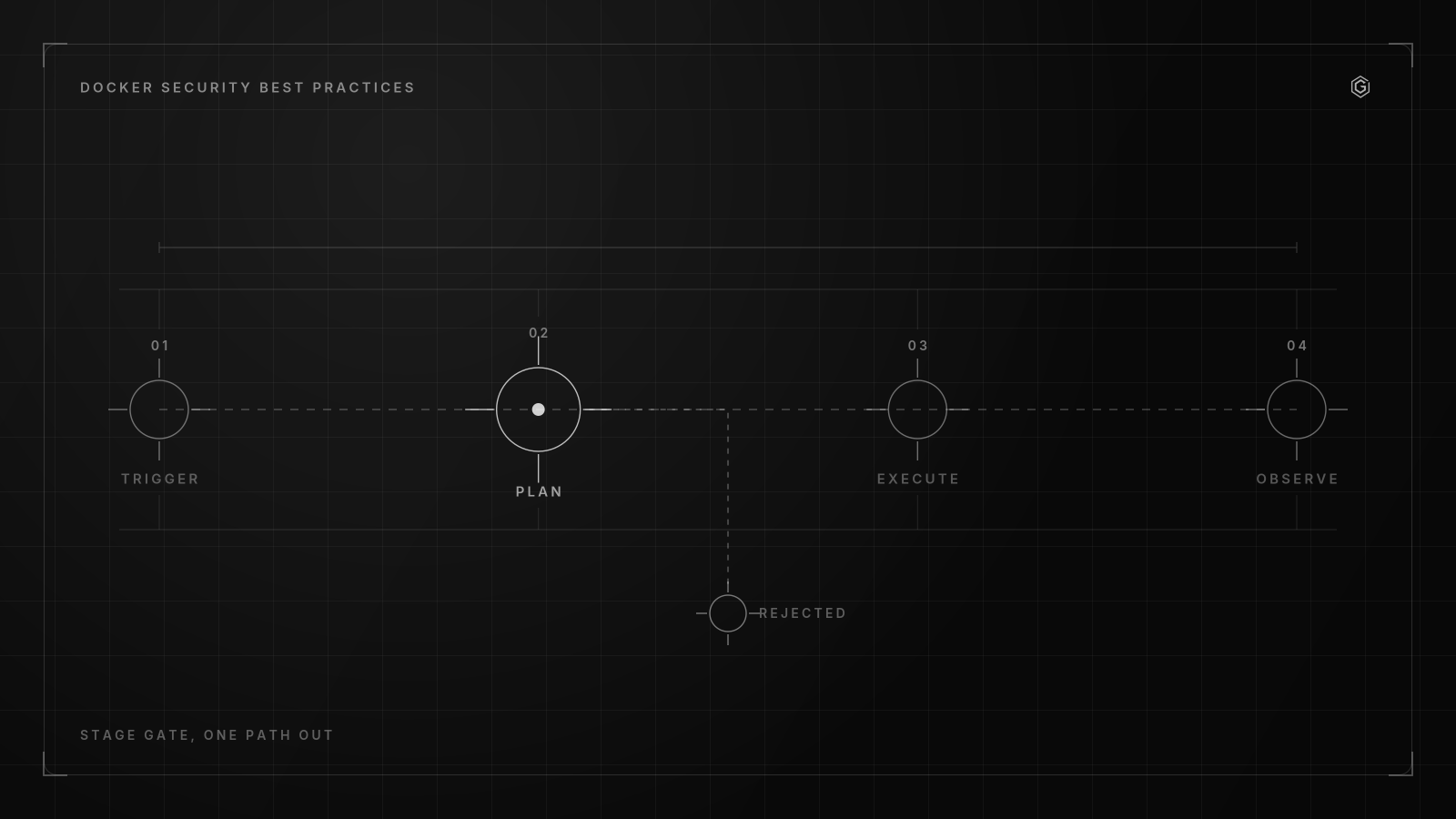
A hardened container image is a minimal, continuously patched base image that ships only the runtime components an application needs, paired with verifiable supply chain metadata like SBOMs, build provenance, and cryptographic signatures. It is not just a smaller image. It is an image you can prove came from a trusted source, built in a controlled environment, and contains exactly what you expect.
Most container vulnerabilities come from unnecessary packages inherited from base images, not from application code. When you pull node:20 or python:3.12, you inherit an entire OS distribution worth of packages your app will never touch. Each one is a potential CVE waiting to surface in your next scan.
But the problem gets worse. According to GitGuardian (2026), an analysis of 200,000 publicly available Docker Hub images discovered 30,000 unique secrets embedded in cached container layers: API keys, AWS credentials and database passwords, all sitting in intermediate layers that docker history can extract in seconds. A hardened image addresses this at the source.
I have seen teams spend weeks tuning vulnerability scanners to suppress noise from bloated images, and the fix was never the scanner. It was replacing the base. A hardened image cuts the noise at the root cause. Here is what defines one:
- Minimal base: distroless, scratch, or alpine with only required runtime libraries
- Continuously patched: base image rebuilt and re-scanned on a schedule, not just at build time
- No secrets in layers: secrets injected at runtime via mounts or BuildKit secret mounts, never
COPYorENV - Signed and attested: cryptographic signature (cosign) plus SBOM and SLSA provenance attestation
- Non-root by default: runs as a UID above 1000 with no sudo or setuid binaries
Fewer packages mean fewer CVEs. Signed provenance means you can verify integrity before the image ever touches your registry. SBOMs let you answer "are we vulnerable to CVE-2026-XXXX?"
in minutes, not days. Your Dockerfile is the first and most effective control point for docker container security hardening.
CIS 4.1 requires no root user in containers. CIS 4.4 requires no unnecessary setuid/setgid binaries. CIS 4.10 prohibits secrets baked into build layers. These are not optional hardening steps.
Step 1: Dockerfile Hardening and Secrets Injection Patterns
They are baseline Level 1 controls that most teams fail. Running as root is the default, which is why it is the most common Level 1 failure: nothing in a Dockerfile forces you to choose otherwise, so an image inherits it by silence rather than by decision. The controls themselves are defined in the CIS Docker Benchmark and the reasoning behind them in NIST SP 800-190.
Running as root inside a container does not give you root on the host, but it removes the last barrier between a container escape and full host compromise. Here is a hardened Dockerfile pattern that addresses the most common failures:
WORKDIR /app


COPY --chown=nonroot:nonroot dist/./dist/
COPY --chown=nonroot:nonroot node_modules/./node_modules/
USER nonroot


HEALTHCHECK --interval=30s --timeout=3s \
CMD ["/nodejs/bin/node", "healthcheck.js"]FROM gcr.io/distroless/nodejs20:nonroot AS runtimeKey controls applied:
- Base is distroless, so no shell, no package manager, no setuid binaries (CIS 4.4)
- Runs as
nonrootby default (CIS 4.1) - Includes a HEALTHCHECK (CIS 4.6, a commonly missed control)
- No
RUN apt-get install, no curl, no sudo
For secrets, never bake them into layers.
Use BuildKit secret mounts:
RUN --mount=type=secret,id=npm_token \
 NPM_TOKEN=$(cat /run/secrets/npm_token) \
 npm ci --omit=dev
# syntax=docker/dockerfile:1.7
The secret never touches the image layer. It exists only in the build step's memory. According to GitGuardian (2026), 30,000 unique secrets were found across 200,000 Docker Hub images because teams used ENV or COPY for credentials.
BuildKit secret mounts eliminate this entire class of leak.
Eighteen months ago, we ran into this exact situation.
docker build --secret id=npm_token,env=NPM_TOKEN -t app:latest.A CI pipeline was silently passing root-level containers through to production because the scanner only checked image layers for CVEs, not runtime config. The result: a container escape via a misconfigured docker.sock that gave an attacker read access to our secrets vault. Image scanners cannot see your daemon configuration.
They cannot inspect your host kernel settings.
And this is the critical gap that most teams miss when they treat docker container security hardening as an image-only problem. The CIS Docker Benchmark covers seven sections. Section 1 is host OS hardening.
Step 2: Securing the Docker Daemon and Host OS
Sections 2 and 3 are daemon configuration. Section 4 covers images and Dockerfiles. Sections 5 through 7 address runtime behavior and Swarm-specific controls.
According to Safeguard (2026), teams relying on Trivy alone for CIS compliance end up with reports covering roughly half the benchmark. Sections 1 through 3 and 6 through 7 require host and daemon inspection beyond artifact scanning. The most dangerous daemon misconfiguration is exposing the docker.sock.
According to security researchers, a docker.sock bind-mounted into a CI runner container is one of the more common container-escape vectors reported. If a container can talk to the docker daemon, it can spawn a privileged container with the host filesystem mounted. Game over.
Here is a hardened daemon.json that addresses the most critical daemon-level controls:
{
 "userns-remap": "default",
 "icc": false,
 "no-new-privileges": true,
 "live-restore": true,
 "userland-proxy": false,
 "log-driver": "json-file",
 "log-opts": {
 "max-size": "10m",
 "max-file": "3"
 },
 "default-ulimits": {
 "nofile": {"Hard": 1024, "Soft": 1024}
 }
}
What this configuration does:
- userns-remap: maps container root to an unprivileged host user (CIS 2.8), neutralizing most container escape attempts
- icc: false: disables inter-container communication on the default bridge network (CIS 2.3), forcing explicit network segmentation
- no-new-privileges: prevents setuid escalation at the daemon level
- userland-proxy: false: disables the userspace proxy, reducing attack surface
On the host side, the docker admin should ensure:
- The docker daemon socket has
0660permissions owned byroot:docker(CIS 2.1) - Container storage is on a separate partition with
noexecandnodevmount options - Audit logging is enabled for the docker daemon and socket file (CIS 1.12)
- The host kernel runs with AppArmor or SELinux in enforcing mode
I frequently see teams run docker bench security scripts against production hosts and discover the daemon has been running with default config for years. The docker bench tool from the Docker repository checks host and daemon controls that image scanners cannot reach.
Run it periodically, not just at setup.
The teams that get this right tend to treat the docker daemon as a privileged service that needs the same hardening discipline as any internet-facing process. Those that don't usually hit a container escape that turns a single compromised pod into full host takeover.
Runtime policy enforcement is the practice of constraining what a container can do after it starts, using seccomp profiles, AppArmor, capability dropping, and network controls to limit the blast radius of a compromise. It is the last line of defense when an attacker breaches your application code. Build-time scanning catches known vulnerabilities.
But runtime policy catches unknown attack patterns. A zero-day in your app gives an attacker code execution inside the container.
Step 3: How Do You Enforce Runtime Policies and Network Segmentation?
What happens next depends entirely on your runtime controls. According to Securecodereviews (2026), 4% of containers have a writable root filesystem, a known runtime security risk.
That number sounds small until you realize it represents thousands of containers in a mid-size fleet where an attacker can drop a webshell and persist indefinitely. Common CIS failures at runtime include:
- 4.1: containers running as root
- 5.4: privileged containers with all capabilities and no seccomp
- 5.9: host network mode bypassing network segmentation
- 4.6: missing HEALTHCHECK leading to zombie containers
- 2.5: docker.sock bind-mounted into CI runner containers
Here is a runtime security profile for docker container security hardening that addresses the most critical controls:
docker run -d \
 --read-only \
 --tmpfs /tmp:rw,size=64m \
 --cap-drop ALL \
 --cap-add NET_BIND_SERVICE \
 --security-opt no-new-privileges \
 --security-opt apparmor=docker-default \
 --security-opt seccomp=/etc/docker/seccomp-profile.json \
 --network isolated_backend \
 --pids-limit 100 \
 --memory 512m \
 --user 1000:1000 \
 app:latest
What this does:
--read-only: makes the root filesystem immutable, blocking webshell persistence--cap-drop ALLthen--cap-add NET_BIND_SERVICE: drops every Linux capability and adds back only what the app needs--security-opt seccomp: applies a custom seccomp profile that blocks dangerous syscalls likeptrace,mount,keyctl--network isolated_backend: puts the container on a network with no host port exposure--pids-limitand--memory: prevent fork bombs and resource exhaustion
The Docker default already blocks 44 dangerous syscalls. A custom seccomp profile should start from the Docker default and remove syscalls your app does not need. For most web services, you can also block ptrace, mount, umount, reboot, and settimeofday without breaking anything.
For network segmentation, never use --network host (CIS 5.9). Create isolated bridge networks per service tier and use DNS-based service discovery. Egress filtering at the network level prevents a compromised container from reaching attacker infrastructure.
Every control described here is checked by a tool on this site that runs in your browser and uploads nothing. Dockerfile security checker.
These controls are the ones applied when taking AiGrow from an 8 out of 10 risk posture to a 2 out of 10. Read how it was built.
Building something similar? Let's compare notes.
A written reply, not a calendar invite. No commitment required.
Contrarian View: Why Minimal Images Are a Security Illusion Without Provenance
Everyone tells you to use minimal images. Distroless. Scratch. Alpine. The smaller the better. This is half right, and half right is dangerous in security.
Minimization alone is not sufficient. Without provenance, patching discipline, and transparency, a small image is just a smaller attack surface with the same trust problem. You have no idea who built it, what went into it, or whether it has been tampered with since the last scan.
Vulnerability data integrity matters more than vulnerability count. Providers should publish full vulnerability transparency with exploitability data, not filter or suppress CVEs to make images look cleaner. An image with 50 known CVEs and a published SBOM is safer than an image with 5 CVEs and no provenance.
You can triage the 50. You cannot verify the 5.
Build provenance attestations follow recognized frameworks like SLSA to verify how and where an image was built. A SLSA Level 3 attestation tells you the build system, the source commit, the build inputs, and whether the build was hermetic. Without this, you are trusting the image publisher on faith.
I have seen teams switch to distroless images and declare victory on docker container security hardening. Then a base image gets compromised upstream, the patched version is delayed, and nobody notices because there is no provenance gate in the pipeline. The minimal image was just as vulnerable as the bloated one.
The difference was that nobody could prove it had been tampered with.
The real security posture is: minimal image plus signed provenance plus SBOM plus continuous patching plus exploitability data. Drop any one of those and you have a gap an attacker can walk through.
Manual hardening decays. The moment you apply a CIS control, someone pushes a Dockerfile that reverts it. Docker container security hardening only works when it is enforced as code in your CI/CD pipeline.
Step 4: Automating CIS Compliance and Continuous Verification in CI/CD
CIS Docker Benchmark v1.6.0 defines just over 100 individual recommendations across seven sections. Each recommendation has a numeric ID and a scoring weight of Level 1 (baseline hardening) or Level 2 (stricter, higher-friction controls). A CI gate can block deployments unless the base image has a signed SBOM and valid provenance attestation.
This is the difference between auditing and enforcing.
Trivy supports a --cis flag mapping findings to benchmark control IDs, but it only assesses what is visible from inside the image or a running container config. According to Safeguard (2026), Trivy can meaningfully assess Section 4 (images) and parts of Section 5 (runtime), but Sections 1 through 3 (host and daemon) and 6 through 7 (Swarm) require daemon and host inspection beyond artifact scanning. Here is how scanner capabilities map to CIS Benchmark sections:
| CIS Section | Coverage Area | Trivy | Docker Bench | kube-bench |
|---|---|---|---|---|
| 1 | Host OS | No | Yes | Partial |
| 2 | Daemon config | No | Yes | No |
| 3 | Daemon files | No | Yes | No |
| 4 | Images and Dockerfiles | Yes | Yes | No |
| 5 | Runtime behavior | Partial | Yes | Partial |
| 6 | Swarm | No | Yes | No |
| 7 | Swarm secrets | No | Yes | No |
No single tool covers the full benchmark. You need a layered approach.
Here is a Kyverno policy that blocks any pod without a signed image:
| ```yaml |
|---|
| apiVersion: kyverno.io/v1 |
| kind: ClusterPolicy |
| metadata: |
| name: require-signed-images |
| spec: |
| validationFailureAction: Enforce |
| rules: |
| - name: verify-signature |
| match: |
| resources: |
| kinds: |
| - Pod |
| verifyImages: |
| - imageReferences: |
| - "*" |
| attestors: |
| - entries: |
| - keys: |
| publicKeys: |
| -----BEGIN PUBLIC KEY----- |
| MFkwEwYHKoZIzj0CAQYIKoZIzj0DAQcDQgAE. |
| -----END PUBLIC KEY----- |
| ``` |
For a worked cost example, consider a 200-container fleet with monthly deployments. Manual CIS auditing by a security engineer takes roughly 40 hours per cycle at $150 per hour, totaling $6,000 monthly. Automated scanning with Trivy plus docker bench in CI costs $200 monthly in compute and $0 in licensing (both are open source).
The break-even point is the first cycle. Annual savings: $69,600.
But the real value is not the money. It is that the automated gate blocks a non-compliant image in seconds, while the manual audit catches it weeks after deployment. Your CI pipeline should enforce these gates in order:
- Build stage: scan Dockerfile with hadolint for best practices
- Image stage: run Trivy scan, fail on HIGH or CRITICAL CVEs with known exploits
- Provenance stage: verify cosign signature and SLSA attestation on base image
- Policy stage: run Kyverno or OPA Gatekeeper policies against the deployment manifest
- Runtime stage: run docker bench against the target host before deployment
Each gate is a hard failure. No warnings. No exceptions without a documented, time-boxed waiver.
Docker container security hardening is the systematic process of reducing attack surface across container images, the Docker daemon, host OS, and runtime configuration by applying CIS Benchmark controls, signed provenance, and policy-as-code enforcement.
It spans the full lifecycle from base image selection through production runtime policy. According to Safeguard (2026), the most common failures include CIS 4.1 (containers running as root, affecting 60 to 80% of unaudited images), CIS 5.4 (privileged containers), CIS 5.9 (host network mode), CIS 4.6 (missing HEALTHCHECK), and CIS 2.5 (docker.sock bind-mounted into CI runner containers). Root execution is the single largest source of Level 1 failures.
No single scanner covers the whole benchmark. According to Safeguard (2026), Trivy can meaningfully assess Section 4 (images) and parts of Section 5 (runtime), but Sections 1 through 3 (host and daemon hardening) and 6 through 7 (Swarm) require daemon and host inspection beyond artifact scanning.
Ready to build something that lasts?
A written reply, not a calendar invite. No commitment required.
Frequently Asked Questions