Step 1: Choose Between Centralized and Distributed Scanning Architectures
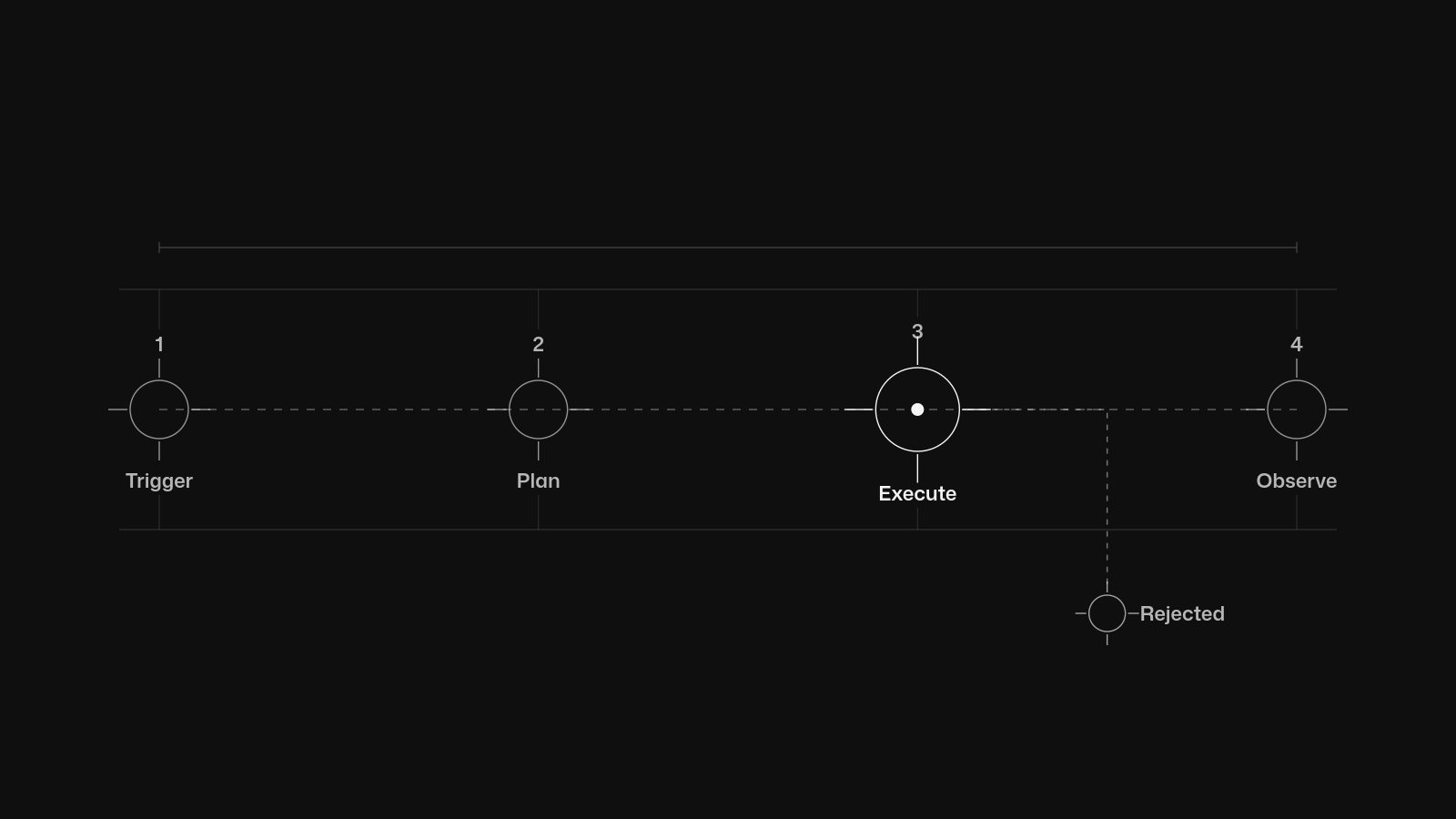
Architecture determines your failure domains. But this isn't just about picking a tool. Anchore Enterprise supports centralized analysis, where the server pulls and analyzes the image, and distributed analysis, where the SBOM is generated locally via AnchoreCTL on the runner.
In distributed mode, Anchore Enterprise never sees the image bytes.
This matters immensely for air-gapped or highly regulated environments where strict data residency constraints mandate that specific payloads never cross a hardened network boundary without explicit authorization. However, you cannot use distributed analysis for everything. Anchore centralized analysis is required for malware scanning because the full image contents must be available to the Anchore Enterprise server.
If you need malware detection, you must accept the network and storage overhead of centralized pulls.
When you submit an image, the Anchore API exposes image scanning endpoints at POST /images and GET /images/{image_digest}. The API call kicks off the analysis asynchronously. You then poll the digest endpoint until the state transitions to analyzed.
The version of this I keep coming back to does centralized scanning for core base images but distributed scanning for application-specific daily builds, because it keeps the central Anchore node from becoming a network bottleneck during morning CI peaks. Choosing an architecture for container security scanning involves evaluating several factors.
- Network egress: Centralized scanning requires the Anchore server to reach your registry. Distributed scanning requires the runner to reach the Anchore API.
- Storage cost: Centralized analysis caches image layers, consuming significant disk space on the server. Distributed analysis leaves storage costs at the edge.
- Malware detection: You must use centralized analysis if you want to detect malicious binaries.
| Attribute | Centralized Analysis | Distributed Analysis |
|---|---|---|
| Image bytes location | Pulled to Anchore Enterprise server | Remains local at the CI runner |
| Malware scanning support | Supported | Not supported |
| Network trust requirement | Server needs registry access | Server only needs API access |
| Primary use case | Deep inspection, base images | Air-gapped networks, high-volume CI |
Step 2: Wire Trivy Into CI/CD Pipelines Beyond GitLab
GitLab 15.0 includes free integration with Trivy for container scanning. GitLab supports standard container scanning, which scans a single image per job, and multi-container scanning, which scans multiple images in parallel across your active runners. GitLab allows generating a CycloneDX SBOM JSON report as a CI job artifact.
Outside of GitLab, you are on your own.
Trivy can be installed using brew install trivy, docker run aquasec/trivy, or by downloading the binary. In Jenkins or GitHub Actions, I strongly prefer the binary download because it avoids daemon socket exposure and keeps the runner ephemeral. On a recent build I took the explicit binary download over the obvious Docker-in-Docker option, and the CI job runtime dropped noticeably because we skipped the container runtime initialization overhead.
Trivy CLI usage syntax is trivy <target> [--scanners <scanner1,scanner2>] <subject>. You must explicitly define what you want to scan. This is how you run a fast, targeted container security scanning job in a generic CI runner.
# Install Trivy binary directly
curl -sfL https://raw.githubusercontent.com/aquasec/trivy/main/contrib/install.sh | sh -s -- -b /usr/local/bin


# Run scan targeting only vulnerabilities and secrets, output CycloneDX SBOM
trivy image --scanners vuln,secret --format cyclonedx --output sbom.json my-registry/app:1.2.3


# Run scan targeting misconfigurations in a Kubernetes manifest
trivy config --scanners misconfig./k8s/deployment.yaml
Proper pipeline integration requires specific scanner selections to balance speed and depth.
- vuln: Scans for known CVEs in OS and language-specific packages.
- secret: Scans for hardcoded credentials and private keys.
- misconfig: Scans Infrastructure as Code files for insecure defaults.
- license: Scans for restrictive or non-compliant software licenses.
Step 3: Configure Anchore Enterprise for Enforced Image Limits and Malware Scanning
Unbounded image sizes will eventually crash your scanner because the memory allocation surges on massive application layers. But you can prevent this. Do you really need to scan that 15GB image?
Anchore Enterprise can enforce a maximum image size for analysis. Submissions larger than the configured limit are rejected with an HTTP 400, and the Anchore Enterprise maximum image size limit is disabled by default until you explicitly turn it on. You must turn it on.
You configure this limit in the configuration file or pass the policy via the API.
# Configure maximum image size limit using AnchoreCTL
anchorectl system config set image_size_limit 2147483648 # 2GB limit
Without this limit, a developer who accidentally pushes a 15GB image will block the analysis queue. The failure mode is subtle: the server does not immediately crash. Instead, it slowly allocates swap space until the Linux kernel out of memory killer terminates the process, leaving all subsequent analysis queries in a waiting state until the service restarts.
If you enable malware scanning, remember that Anchore centralized analysis is required because the full image contents must be available.
You cannot detect malware from an SBOM alone, because the SBOM only lists package metadata and it never captures the byte-level hashes of arbitrary executable files. You must accept the centralized pull requirement. The mechanism works by unpacking the image into a temporary staging directory and then walking the file paths to compare them against an internal malware signature database.
A common edge case that breaks this happy path is multi-stage Docker builds that leave compilation tools or downloaded scripts in intermediate layers. These files remain in the cached layers even if they are absent from the final runtime image. The malware scanner sees the intermediate layers and flags a malicious compiler plugin or a stale downloader script, triggering a false positive on a completely benign final image.
You must exclude the build directory or intermediate layer paths from the scanner. Once scanned, you need to extract the data.
AnchoreCTL vulnerability output formats include text, json, json-raw, csv, cyclonedx-json, cyclonedx-xml, and html formats. Use json-raw for custom pipeline logic. Use the cyclonedx-json format to pass the SBOM downstream into your external dependency management tools.
Effective container security scanning depends on routing the right data format to the right consumer.
| Output Format | Best Use Case | Structure Level |
|---|---|---|
| json-raw | Custom CI pipeline gates and scripts | Unfiltered, direct API mapping |
| cyclonedx-json | SBOM ingestion into dependency tools | Standardized SBOM specification |
| csv | Spreadsheets and audit reporting | Flat, tabular data |
| html | Human-readable triage reports | Formatted, viewable in browser |
| text | Quick terminal checks during debugging | Simple, unformatted console text |
What Are the Performance and Resource Trade-offs Between Trivy and Anchore?
Trivy is a lightweight, single-binary scanner optimized for fast, ephemeral CI pipeline execution, while Anchore Enterprise is a server-based platform designed for centralized policy management and persistent vulnerability tracking across an enterprise registry. Choosing between them depends on whether you need pipeline speed or cross-team governance. The performance mechanism for Trivy relies on a locally downloaded vulnerability database, and this database is stored as a compressed SQLite file embedded into the Go binary.
The failure mode occurs when the CI runner cache expires and must download the updated database. A cold start for Trivy without caching can spend several minutes pulling the database from the GitHub release before the scan begins, causing timeouts in the CI pipeline.
To prevent this, your CI pipeline must cache the ~/.cache/trivy directory before the scanning step runs. If you do not, network jitter will force the pipeline to fail open or hang indefinitely waiting for a response. Are you willing to provision a persistent database cluster just to avoid runner latency?
Anchore Enterprise handles database updates via a dedicated feed service that polls upstream data sources continuously and stores the vulnerability data locally in your PostgreSQL cluster. This means the CI runner never experiences database download latency, but you must provision persistent memory and disk storage for the central PostgreSQL cluster.
Trivy supports 5 main scanner categories: OS packages/SBOM, CVEs, IaC issues, secrets, and software licenses. Trivy scans container images, filesystems, remote Git repositories, virtual machine images, and Kubernetes. It is exceptionally versatile for pipeline integration.
But Anchore Enterprise supports centralized and distributed analysis, and it acts as a strict system of record. Container security scanning performance varies drastically between these architectures. Distributed analysis using AnchoreCTL pushes the SBOM generation to the CI runner, avoiding the network pull of image layers.
The trade-off is that the CPU overhead shifts from the central server to the CI runner. If your CI runner is a small instance with a single core, the distributed analysis step will consume all available CPU and block subsequent jobs in the pipeline.
Another trade-off lies in database staleness. Trivy is only as fresh as the locally cached database. If you run your pipeline daily, you are operating on yesterdays vulnerability data, and the Anchore Enterprise feed service synchronizes continuously, allowing the API to serve the most recent findings instantly.
However, if the Anchore PostgreSQL database grows too large, a stale feed service or a broken database vacuum cron job will degrade query performance for the entire cluster, affecting all users instead of just a single pipeline.
| Metric | Trivy | Anchore Enterprise |
|---|---|---|
| Deployment topology | Ephemeral CI runner | Centralized server cluster |
| Database updates | Downloaded directly by binary | Synchronized via server feed service |
| Resource consumption | Spikes during CI job, then exits | Persistent memory and disk usage |
| Scope | Images, FS, Git, VMs, Kubernetes | Container images and registries |
Container vulnerability scanning is the systematic decomposition of a container image into its constituent layers, packages, and configurations, followed by matching those elements against a continuously updated vulnerability database to produce an actionable inventory of known-risk items.
Container security scanning is fundamentally an inventory-and-match problem, not a magic security button. But you have to understand the boundaries. How can you catch a zero-day with a static list?
We decompose the image, build a list, and match it against known bad signatures. The scanner only knows what it is told. Scanners are bound by their definitions.
Trivy scanners can detect OS packages (SBOM), known vulnerabilities (CVEs), IaC issues and misconfigurations, sensitive information/secrets, and software licenses. According to the official GitLab documentation, GitLab integrates with the Trivy security scanner to perform vulnerability static analysis in containers.
But scanning cannot catch everything, and it detects known CVEs, exposed secrets, and static misconfigurations. It misses zero-day vulnerabilities, logic flaws in your application code, and entirely unpredictable runtime behavior anomalies that only manifest under specific load conditions. An image can pass a scan completely and still be compromised at runtime.
SBOM generation is the foundational primitive. Without an accurate list of what is inside the image, matching against a vulnerability database is impossible. The SBOM is the source of truth.
- What scanning detects: Known CVEs, exposed secrets, static misconfigurations, package versions.
- What scanning misses: Zero-day exploits, application logic flaws, runtime privilege escalations.
Building something similar? Let's compare notes.
Response within 24 hours. No commitment required.
How Do You Triage Vulnerabilities When Your Scan Returns Thousands of CVEs?
Effective vulnerability triage requires filtering scan results by severity and exploitability, suppressing verified false positives, and prioritizing fixes based on whether the vulnerable code path is actually reachable in your specific runtime environment. Blindly fixing the highest severity items first leads to burnout without reducing actual risk. When a scan returns thousands of CVEs, you simply cannot expect your team to fix them all.
You must build vulnerability exception policies with expiry dates. If you suppress a finding, it must expire eventually, forcing a re-evaluation of the risk. The first major failure mode is sorting by CVSS score alone.
A high score does not mean an exploit exists. Filtering for vulnerability severity while ignoring whether the vulnerability is actually patched results in drowning in report data that will never be exploited. Use tool configurations like --ignore-unfixed to return only the CVEs where an upstream maintainer has actually published a patch.
This filters out the flaws that the Debian security team acknowledges but does not backport. The second mechanism is exploitability. The Exploit Prediction Scoring System helps gauge the likelihood of exploitation in the wild.
You should pull the raw JSON output and cross-reference the EPSS data to prioritize vulnerabilities with high exploitability over high severity theoretical defects.
Data extraction format matters for triage. AnchoreCTL vulnerability output formats include text, json, json-raw, csv, cyclonedx-json, cyclonedx-xml, and html formats. Use JSON formats to pipe results into your centralized triage dashboard.
According to the official Trivy documentation, GitLab allows generating a CycloneDX SBOM JSON report as a CI job artifact, which you can ingest into dependency management tools. The goal is reachability. If the vulnerable library is not executed, the severity drops.
Container security scanning must inform reachability analysis, not dictate it blindly. Focus on what runs. For example, a Go binary compiles all dependencies into a static binary, but a vulnerability scanner in Go might flag a flaw that exists in a transitive dependency but is excluded by build tags.
The scanner only sees the resolved module list, not the compiled machine code. To assess true reachability at runtime, you must pair the SBOM data with process execution data from the running container. The failure mode of applying policy without runtime validation is that you block a deployment for a logging utility that never calls the affected function.
The Contrarian View: SBOM Generation Without Enforcement Is Security Theater
Generating an SBOM is not a security control. Most teams produce SBOMs that nobody reads, nobody enforces, and nobody updates. They become compliance artifacts stored in an S3 bucket, serving only to prove to an auditor that a process ran.
The core failure mode here is delayed detection. When a zero-day vulnerability drops, the security team scrambles to figure out which assets are affected. If their SBOMs are just JSON files in a bucket, they have to write ad hoc scripts to parse thousands of artifacts.
They still do not know which container is actively running the vulnerable image, leading to slow response times.
Without policy gates that block deployments on untriaged high-severity findings, SBOMs are useless. Container security scanning must result in a blocked pipeline or a rejected deployment to have value. A scanner that only reports is a logger.
To make it an actual security control, you must wire the SBOM into an availability gate. For Trivy, you achieve this by configuring the binary to exit with a non-zero exit code when it finds an unpatched CRITICAL severity vulnerability. GitLab allows generating a CycloneDX SBOM JSON report as a CI job artifact, but if that artifact never feeds into a blocking gate, it is theater.
For Anchore Enterprise, you must bind policy evaluation directly into the CI pipeline job.
According to the official Anchore documentation, Anchore Enterprise can enforce a maximum image size for analysis, and submissions larger than the configured limit are rejected with an HTTP 400. We need this same ruthless rejection logic for vulnerabilities. AnchoreCTL must return an exit code 1 when a critical policy gate fails, stopping the CI job.
The trade-off is developer velocity. Strict enforcement forces developers to triage pipeline failures, which can delay urgent hotfixes. Teams often work around this by implementing lenient gates that allow unpatched critical vulnerabilities to pass to staging environments while blocking production.
This lenient gate makes the static scan useless unless enforced by a runtime policy engine.
Handling Offline and Custom Registry Scanning in Air-Gapped Environments
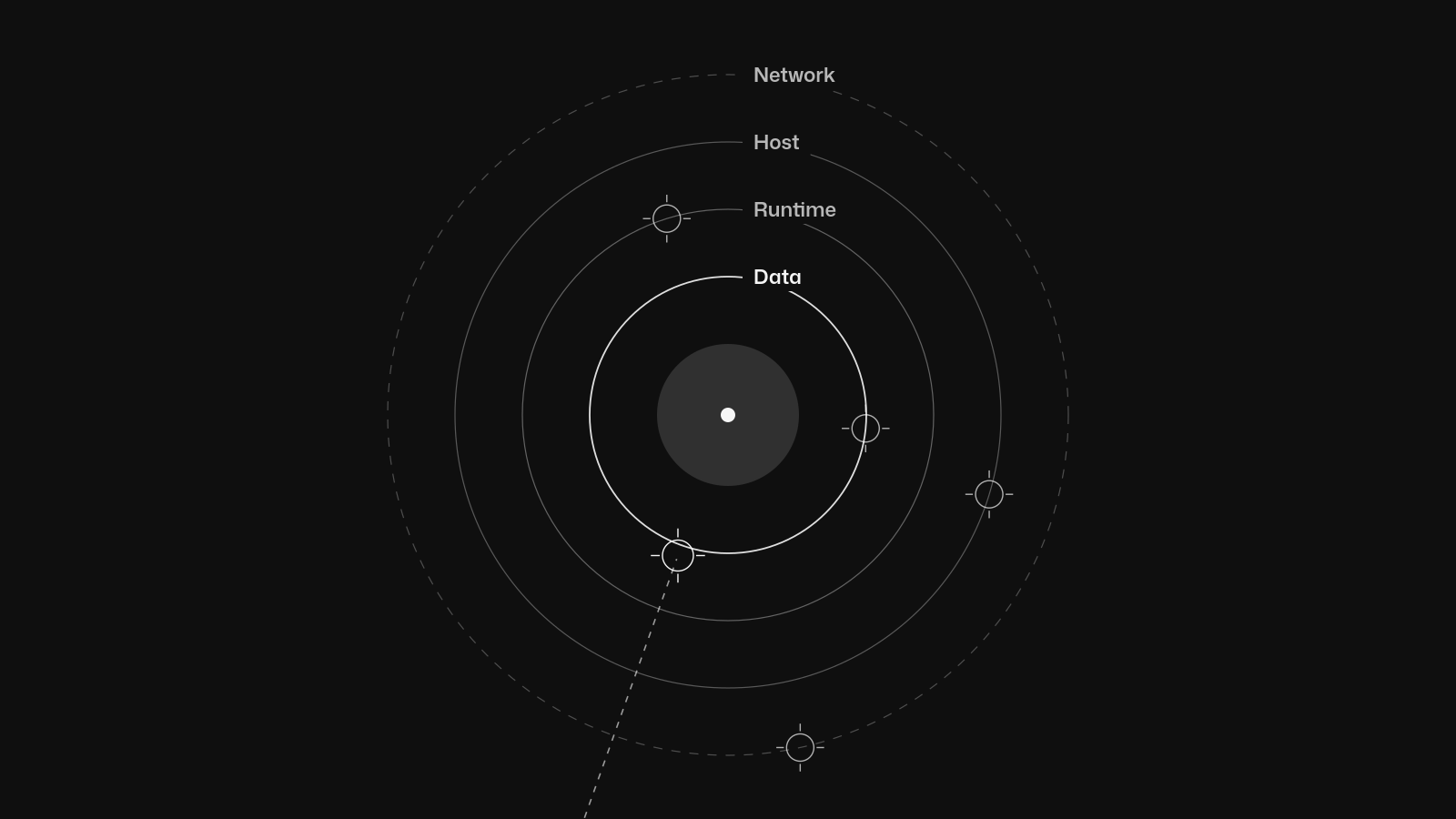
Air-gapped environments break standard scanning assumptions. But you can adapt. Centralized pull-based scanning fails because the scanner cannot reach the external registry or the vulnerability database update endpoints.
You must change your topology. In restricted networks, you must adapt your tools. Trivy can be installed using brew install trivy, docker run aquasec/trivy, or by downloading the binary, but once inside the air gap, you must feed it local data.
According to the official Trivy documentation, Trivy scans container images, filesystems, remote Git repositories, virtual machine images, and Kubernetes. You can scan a local tarball directly using the --input flag.
For Anchore, distributed analysis generates the SBOM locally via AnchoreCTL, meaning Anchore Enterprise never sees the image bytes. You run the analysis at the edge, export the SBOM, and transfer only that data across the air gap to the central policy server. Container security scanning in these setups requires manual vulnerability database synchronization.
The trade-off is complexity. You must mirror updates manually.
| Method | Tool | Air-Gapped Suitability | Data Transferred |
|---|---|---|---|
| Tarball scanning | Trivy | High, runs entirely offline | Local tar file |
| Distributed SBOM | Anchore Enterprise | High, edge generation | SBOM JSON payload |
| Centralized pull | Anchore Enterprise | Low, requires network access | Full image layers |
Ready to build something that lasts?
Response within 24 hours. No commitment required.